

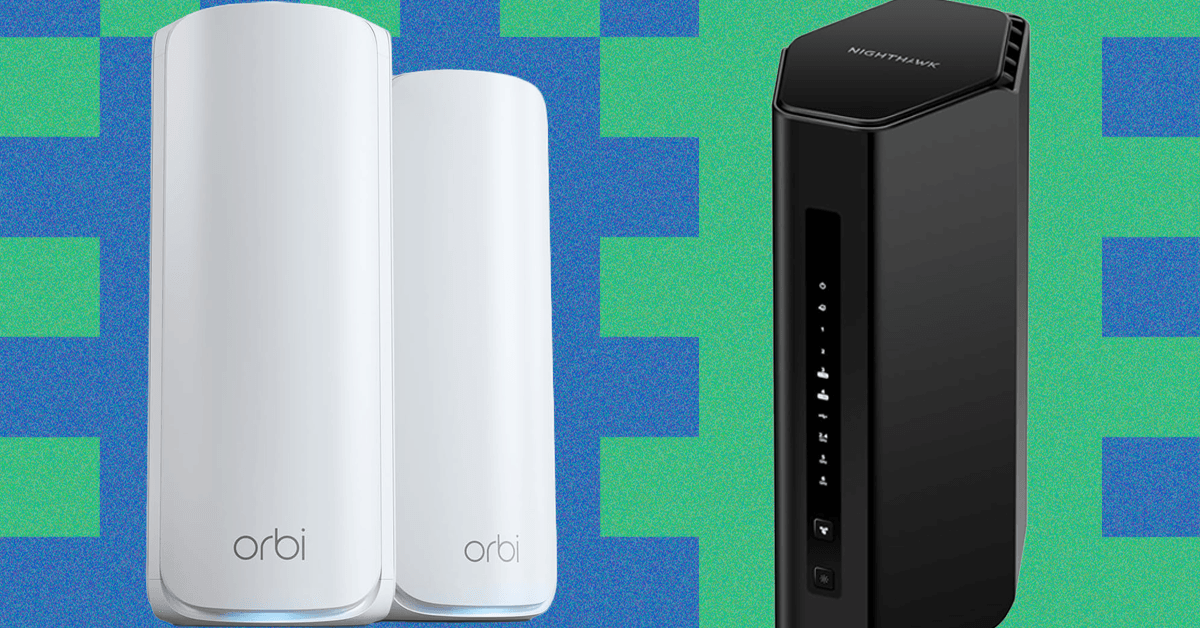
After testing more than 60 mesh systems and routers in my last home, a modern two-story, 1,600-square-foot house, I found that single routers generally outperformed mesh systems, providing a faster and more stable connection, transferring files from one device to another on the network more quickly, and working efficiently without smart home connectivity issues. But many of those routers struggled to provide a fast connection in my backyard.
Mesh systems extend your coverage, and nodes can target dead spots. I used a node to extend Wi-Fi into my backyard and to plug in a TV in the back room via Ethernet for a more stable and reliable connection. But it wasn’t until I moved to an old Victorian house that I felt the full benefit of a mesh system. It’s slightly larger than my last home, but extremely thick stone walls can seriously dampen a Wi-Fi signal, especially on the fastest 6-GHz band.
After testing several systems in this home, it is crystal clear: I need a mesh for this house. A single router struggled to provide a signal for the front upstairs room and the garden, and I had to run an Ethernet cable to get the EV charger connected.
With a mesh, I can decide where I need the coverage, ensuring my big TV and office computer have a fast connection. Depending on where the internet comes into your home, it can be difficult to find a suitable spot for a single router. While there are exceptions to this, the single routers are often ugly devices, sometimes bristling with antennas, which are great for performance but aren’t pretty. Mesh manufacturers have taken the lead on routers that blend into the home better.
What About Wi-Fi Extenders?
Based on my testing, even the best Wi-Fi extenders aren’t worth considering. Cheap Wi-Fi extenders perform very poorly, and the good ones are expensive enough that you’d be better off upgrading your main router or opting for a mesh, both of which will perform far better. A mesh system should give you near-seamless handoff and limit interference; a Wi-Fi extender won’t do either.
What About Ethernet?

Amazon Basics
RJ45 Cat6 Ethernet Patch Cable
If you want a speedy, stable, and reliable connection, you can’t beat Ethernet cables. To run Ethernet cables around your home takes some effort, but it can be a great alternative or complement to Wi-Fi. Even if you can run cables between your main router and mesh nodes for wired backhaul, you will get a far stronger Wi-Fi signal throughout your home.
What About Powerline Adapters?
Plug these into a power outlet to pass an internet signal through your electrical wiring. You connect an Ethernet cable to your router at one end and another Ethernet cable to your device or switch at the other. These can work well for problem spots, but much depends on your wiring, and in my experience, their performance is far from consistent.
Powerline adapters advertise high speeds, but what you actually get depends on the quality of your wiring, electrical interference, and distance. In the real world, you are unlikely to get much more than 300 Mbps, and 50 to 100 Mbps is often more realistic. That’s enough if you just want to stream Netflix in the back bedroom, but the connection can also be impacted with latency spikes when you turn on power-hungry appliances, so it may not be suitable for gaming.
What About MoCA (Multimedia Over Coax Alliance) Adapters?
If you have coaxial cables—commonly used to send video signals for TVs—installed in your home, you can use them to pass an internet signal. When Ethernet was first developed, it ran over coaxial cables. Just like Powerline adapters, you need an adapter at either end to switch from Ethernet to coaxial and back. The latest MoCa 2.5 Adapters support speeds of up to 2.5 Gbps.
Create Your Own Mesh
The problem with recommending single routers over mesh systems or vice versa is that every home is different. The size, construction, local interference, devices within the home, and other factors will impact how efficient any router is, and the only way you can be sure what will work best is to test. But if you’re on the fence, I recommend opting for something that can be expanded into a mesh later if it turns out you need more coverage. You can also always buy a single mesh router or start with a two-pack and add more if required.
Depending on what kind of router you have, you may be able to create your own mesh by adding another router. There’s a little more configuration required than with a dedicated mesh system, but it’s not that complicated, it’s usually cheaper, and it potentially enables you to keep using your old router.
Read the full article here