

If your air conditioning has been running constantly and your energy bill is showing it, there’s a quick fix worth trying before you call an HVAC technician or lower the thermostat another degree. It’s your ceiling fan. Specifically, it’s the direction it’s spinning. Most ceiling fans have a small direction switch on the motor housing that reverses the blade rotation, and in summer the correct setting is counterclockwise.
That direction pushes air straight down, creating a wind chill effect that can make a room feel several degrees cooler than it actually is and lets you raise the thermostat without sacrificing your comfort.
It’s one of the easiest ways to beat the heat without raising your utility bill — no fancy tech or major upgrades are required. Bonus: It’s a small move that can shrink your environmental footprint.
Take a moment to flip this hidden setting on your ceiling fan. You’ll stay comfortable all season long and keep your energy bills in check.
For more on saving money on energy, learn how unplugging some appliances can save you $100 a year and the most efficient temperature for your thermostat this summer.
How to change the direction of your ceiling fan
Changing the direction of your ceiling fan’s rotation is simple. It’s usually controlled by a sliding switch on the motor housing. This switch lets you adjust the fan from spinning clockwise to counterclockwise.
Before you make any changes, turn off your ceiling fan — you don’t want to hurt yourself or anyone else in your home. Look for the small sliding switch on the side of the fan’s motor housing. It should be labeled with markings like “Forward/Reverse” or have arrows pointing in opposite directions.
To switch rotation to counterclockwise, slide the switch to Forward or Counterclockwise. For clockwise rotation, slide the same directional switch to Reverse or Counterclockwise. The fan blades will start to push air upward to recirculate warmer air.
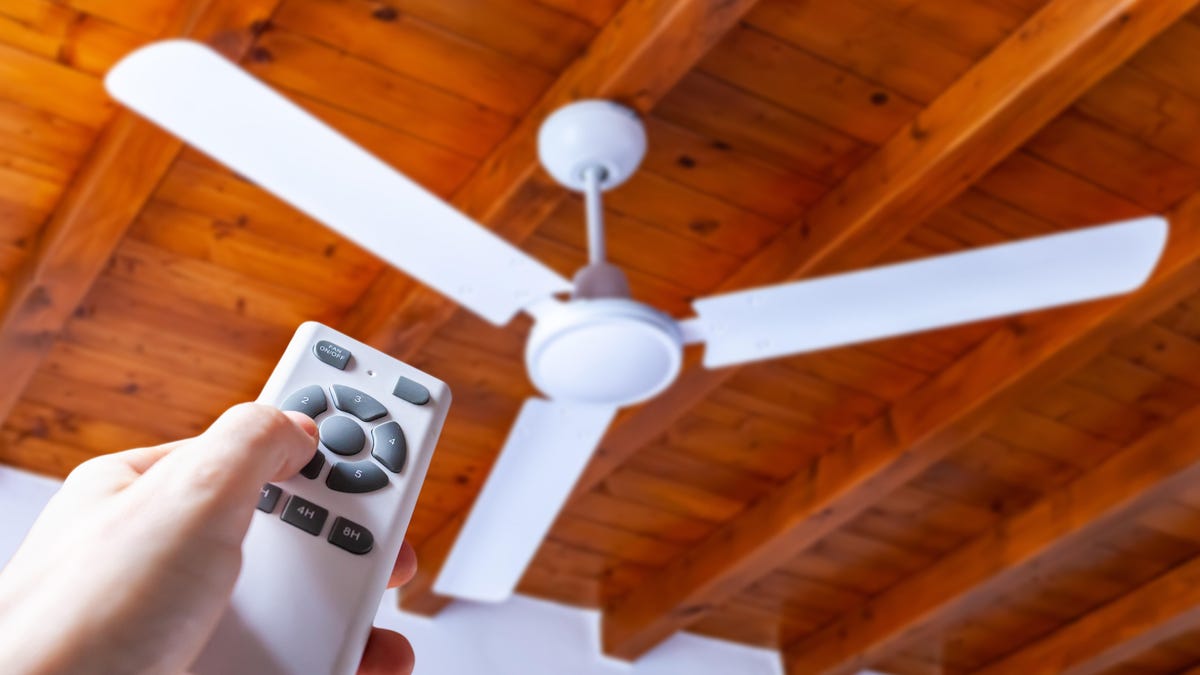
If there’s no switch on your ceiling fan, you may have a remote control that can change the direction with the push of a button. And if you’ve got a smart fan, you can probably change direction with your voice or by using an app. You may need to check your instruction manual for further help.
Set your ceiling fan to counterclockwise in the summer
During the summer, you’ll want your ceiling fan to rotate counterclockwise, blowing cooler air straight down into the room. Just make sure the fins on your fan blades are tilted downward to help push the air toward the floor. You should feel the air in the room start to get cooler.
Switch your ceiling fan back to clockwise in the winter
In winter, you’ll want your ceiling fan to rotate clockwise. The airflow will then be directed upward, circulating hot air from the ceiling back down into the room to help spread warmth.
Other tips for making the most of your ceiling fans
If you want to reap even more benefits from your ceiling fans, choose the right fan. According to the Department of Energy, you should look for fans with the Energy Star label, as they’re around 60% more efficient than conventional fans.
You’ll also want to ensure the fan you’re using is the correct size for your room. Larger rooms may need bigger fans with blade spans of at least 52 inches or more, while smaller rooms can get by using fans of 36 inches.
If changing your fan blades’ direction becomes a pain, you might consider installing a ceiling fan with a remote control or implementing a smart switch. This makes it easier to change the fan direction and speed without reaching up, using a ladder, or fumbling around for the switch to push. The easier it is to change the fan blades’ rotation, the easier it is for you to be cooler or warmer in uncomfortable temperatures.
Read the full article here