

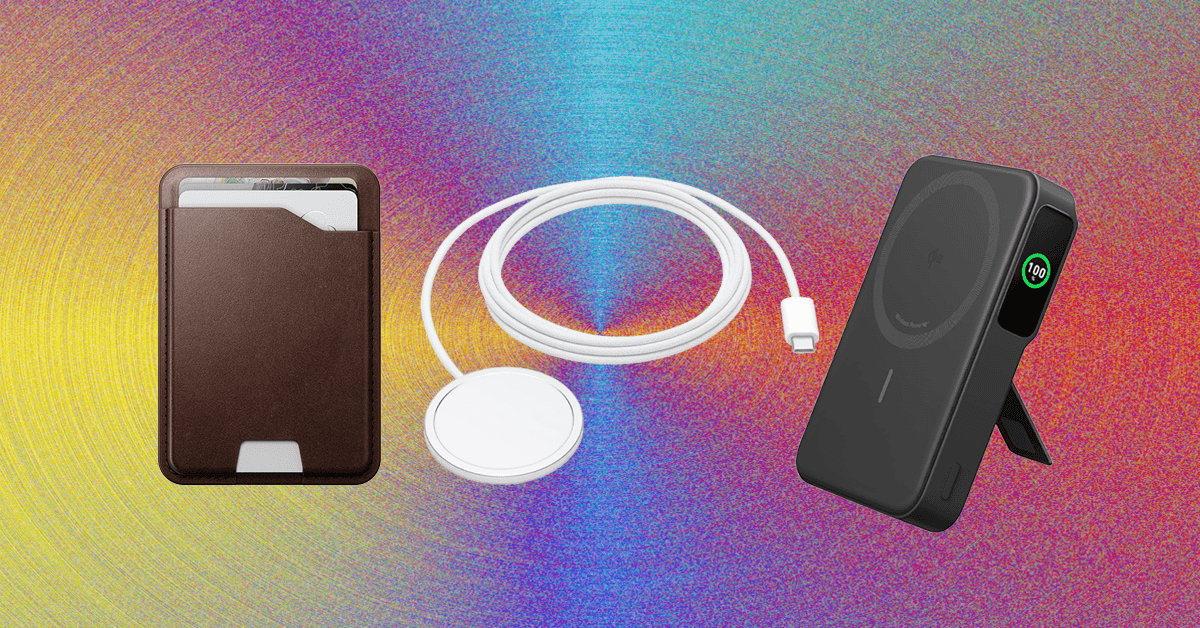
Other Good MagSafe Accessories
The accessories below aren’t as great as the top picks in this guide, but they’re still good options if you’re looking for more MagSafe gadgets.
Belkin iPhone Mount With MagSafe: Using Apple’s Continuity Camera feature, you can wirelessly use your iPhone as a webcam for a MacBook. It supports various video calling apps too, from FaceTime to Zoom. This circular silicone puck magnetically sticks to the back of your iPhone and can be used as a phone grip or kickstand, but you need to keep your screen close to a 90-degree angle, or else the weight of the iPhone will drag the screen back or forward. There’s also a mount for external displays, in case you want one for your home desk setup.
STM Goods MagPod Smarter Phone Stand: I’ve been carrying this mini tripod from STM Goods all over my apartment. When I’m not using it to see notifications at a glance at my desk, I’ll place it on my kitchen counter to stream TV shows while cooking dinner, on my coffee table to FaceTime with friends while on the couch, or on the bathroom sink to listen to podcasts while doing my makeup. I’ve also used it to shoot video. It has a magnetic disc with a socket that moves around smoothly, allowing you to position it at multiple angles. The retractable legs are sturdy too, even while tapping through notifications or typing out texts. They fold in neatly into a compact size, making it easy to travel with.
Casetify Wireless Car Charger: I’ve been using this for over a year. It’s easy to install, has MagSafe support (with a USB-C cable) and an adjustable ball joint for various viewing angles, and it’s Qi 2-certified with a 15-watt rate. It’s a bit more affordable than Belkin’s and comes in several fun patterns. (I have the Penguin design, and it’s tough not to smile while looking at it.)
MagGo Magnetic Charging Station (8-in-1): This little orb has three AC outlets, two USB-C ports, and two USB-A ports on the back, and over on the front is a Qi2 wireless charging pad that can recharge your phone. It’s great for workstations where you need to plug in a lot of gadgets. Each of the USB-A ports dishes out 12 watts, and the USB-C ports can output 67 watts, though this lowers if other ports or the pad are in use.
.jpg)
Photograph: Julian Chokkattu
A MagSafe SSD Enclosure: If you have an iPhone Pro Max and you want to tinker with Apple’s more advanced video recording formats (ProRes 4K at 60 frames per second or higher), well, you’ll run into one big problem immediately: You can’t natively record without an external storage device. You’ll need a solid-state drive plugged into your iPhone, and it will record your video directly to the external storage. But a dangling SSD doesn’t sound very safe, right? They don’t transfer power or data via MagSafe but merely attach to the back as a convenient way to store the SSD while recording.
Casely Grippy: I’ve successfully used this grippy phone mount to record a few different videos. The suction on it is hit or miss. Sometimes, it sticks to my painted wall for hours on end; Other times, it slides off my mirror or shower wall in just a few minutes (taking my phone with it). I’ve found it works best if you freshly clean it as well as the surface it’s going to stick to. Apply some extra pressure when pressing it against your chosen mounting location, and maybe be prepared to catch it if it falls.
Power up with unlimited access to WIRED. Get best-in-class reporting and exclusive subscriber content that’s too important to ignore. Subscribe Today.
Read the full article here