
Close Menu
Modern Life Today
  • Tech
  • Smart Home
  • Energy
  • Home Security
  • Kitchen & Household
  • Outdoor
  • Home Internet
  • More Articles
Trending Now

Enjoy the Summer Heat in Style With This Patio Umbrella for a Massive $200 Off

July 5, 2026

The Threat Landscape Has Evolved to Target Your Data, Not Just Your Devices

July 5, 2026

Review: HP OmniBook Ultra 14

July 5, 2026
Facebook X (Twitter) Instagram
Modern Life Today
  • Tech
  • Smart Home
  • Energy
  • Home Security
  • Kitchen & Household
  • Outdoor
  • Home Internet
  • More Articles
Subscribe
Modern Life Today
Home»Smart Home»Going on Vacation? Here’s the Final Smart Home Check I Always Make
Smart Home

Going on Vacation? Here’s the Final Smart Home Check I Always Make

Press RoomBy Press RoomJuly 5, 2026No Comments3 Mins Read
Share Facebook Twitter Pinterest Copy Link LinkedIn Tumblr Email

It’s vacation season, and in my years of testing smart home tech, I’ve learned some valuable lessons about how to prepare for a getaway. There’s one step that almost everyone skips, but it’s incredibly important if you have any home devices like smart thermostats, home security systems, leak detectors and other tech that helps out while you’re away. 

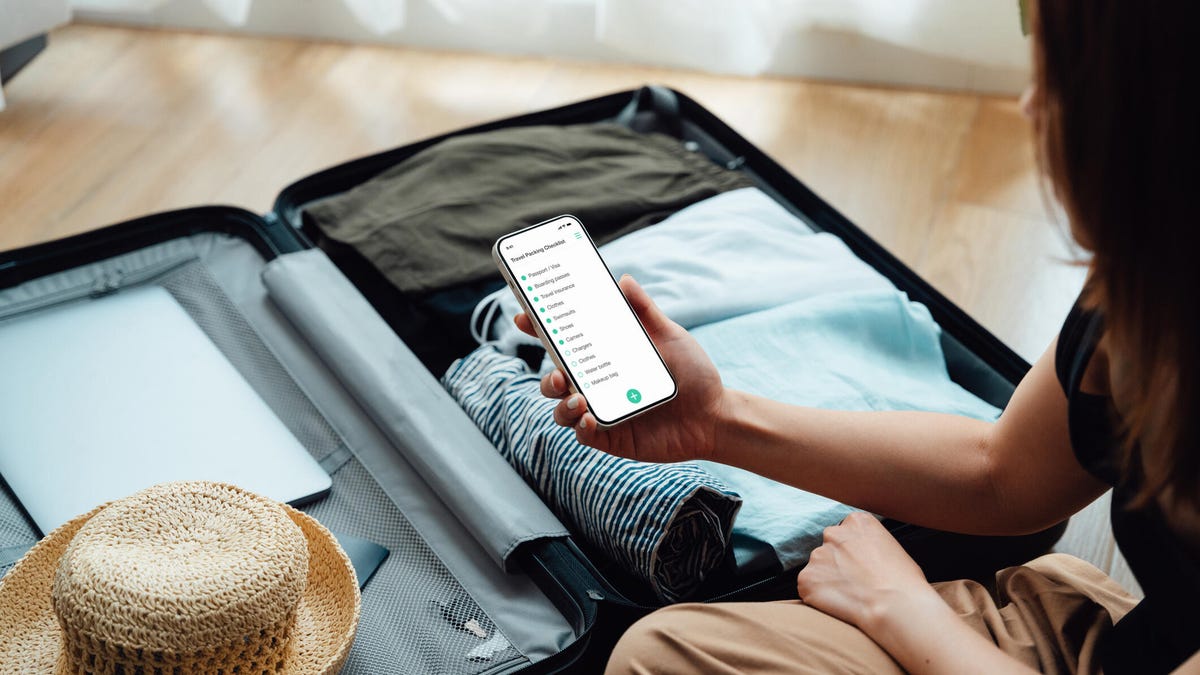
The good news? It only takes a minute or two, all you need is your phone and you can do it while walking around with luggage in hand. Here’s how it works and why it’s so important. 

Read more: 9 Must-Do Security Checks When You’re Heading to a Vacation Rental

Open all your home apps to check connections and updates

It sounds simple, but you’d be amazed how many times I’ve checked an app remotely only to find that the Wi-Fi connection no longer works because of router or app updates, or that I needed to enable a new firmware upload before I left — and that’s not always something you can do remotely.

So, sometime between packing bags and pulling out of the driveway, I do a quick check of all the current home apps I’m using. It’s typically enough to open the app and check its Wi-Fi connection and firmware settings.

If there’s a security camera or pet cam I use, I check the live view to make sure it’s functioning (that usually means everything else on the device is working, too). If it’s something like a leak detector or motion sensor, popping into the home page to check that the device status is live and reporting is usually enough. For smart thermostats, I check that the temperature readings are accurate and that I can adjust the temperature from my phone. For devices that are connected to a central platform like Apple Home, I drop in and make sure all of my device tiles are active and working.

Usually, this only takes about a minute if everything is working. If an app runs into connection problems or has dropped my Wi-Fi and needs to be reset, then I’m glad I checked. I spend a few more minutes reconnecting or updating as needed. Then it’s vacation time, and I don’t have to worry about devices going silent on me.

Don’t forget an app run-through before leaving your smart home. And if you’re getting tired of managing that many apps, I have a handy little guide on cutting down on home app use that you might appreciate, too. Bon voyage!


Read the full article here

Share. Facebook Twitter Pinterest LinkedIn Tumblr Email

Related Articles

Amazon Has New AI Chips for Home Tech Devices and Future Mobile Gadgets

July 3, 2026

Best Buy Is Taking 50% Off the New Google Home Smart Speaker. Here’s How to Qualify

July 1, 2026

This Smart Calendar Can Organize Your Life and Fridge. But Does It Make Things Easier?

July 1, 2026
Add A Comment
Leave A Reply Cancel Reply

Demo
Top Articles

Starlink Hikes Prices for Nearly 3 Million US Customers. Just One Plan Escaped

May 19, 2026

Zapping Mosquitos With Lasers Is a Real Thing, Thanks to AI

June 4, 2026

Registered Dietitians Swear by These 5 Air Fryer Recipes for Healthy Weeknight Meals

May 28, 2026

Garmin Forerunner 70 and Forerunner 170 Add New Training Tools and Better Screen

May 12, 2026
Don't Miss

Best Exercise Bikes of 2026 – Cycling Expert Tested

By Press RoomJuly 5, 20260

Although there are plenty of exercise bikes, it’s important to consider the different brands and…

The Best Bluetooth Speakers

July 5, 2026

How I Cleaned Up the Thousands of Photos and Videos I Had Scattered Across the Internet

July 5, 2026

Lost Power During a Winter Storm? You Can Still Save the Food in Your Fridge

July 5, 2026
About Us
About Us

Modern Life Today is your one-stop website for the latest gadget and technology news and updates, follow us now for the news that matters to you.

Facebook X (Twitter) Pinterest YouTube
Featured News

Best Portable Monitors for 2026

May 5, 2026

Best WordPress Hosting for Building a Successful Website in 2026

May 5, 2026

Proposed Class Action Suit Claims Faulty Roku, TCL Software Updates ‘Bricked’ TVs

May 5, 2026
Trending Now

Need to Share Your Wi-Fi Password? Here’s Where to Find It on Mac and Windows

May 6, 2026

Ring Promo Code: 50% Off

May 6, 2026

What I Packed to Run 80 Miles Across the Italian Apennine Mountains

May 6, 2026
  • Home
  • Privacy Policy
  • Terms of use
  • For Advertisers
  • Contact
2026 © Prices.com LLC. All Rights Reserved.

Type above and press Enter to search. Press Esc to cancel.