

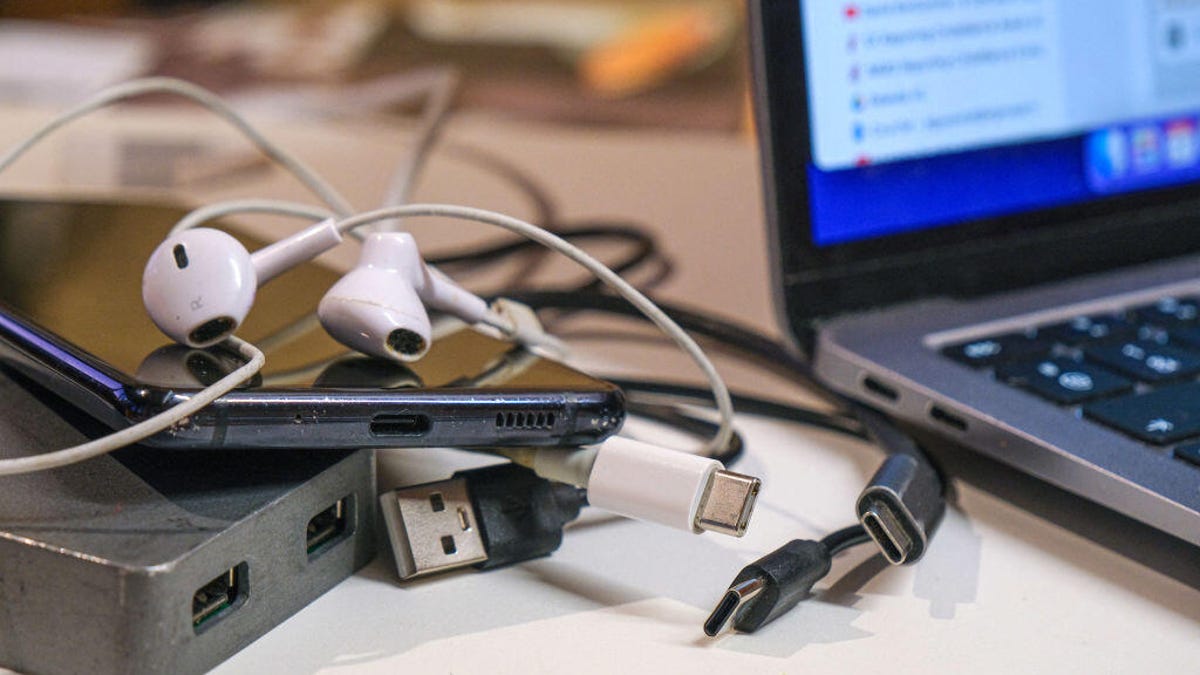
I have a confession to make: Despite working with computers all day, I all but refuse to improve my cable management. I twist and bend my charging cables until something inside of them breaks, and I often order cheap replacements on Amazon.
Those listings include wattage and connection speed information, but as the adage goes, “you get what you pay for.” I frequently find that my new, supposedly 70-watt USB-C cable is frustratingly slow, limiting the effectiveness of my wall charger.
As it turns out, there’s a way to ensure you aren’t kneecapping your chargers and quickly find out the true power of any cables you have lying around. If you have a Mac computer with Apple silicon (one of the M-series chips), you can download the free WhatCable app to test your USB-C cables before ever relying on them for a prolonged charging session.
WhatCable uses data that Macs already collect to suss out the capabilities of mystery cables plugged into multiple different computer ports.
An e-marker within the cables transmits information about its wattage, information transfer and display speeds, which the computer already collects on the backend. The WhatCable app takes that data and breaks it down into a digestible real-time chart. In addition to raw numbers, the app explains any charging, data speed and display bottlenecks caused by your current cables.
A full database of every type of cable previously identified by WhatCable users is also available to help you figure out what hardware you have sitting around.
Cable limitations
The app isn’t foolproof — it can only display information provided by a cable’s e-marker. If that chip isn’t there, or if it’s signaling incorrect information to your Mac, WhatCable can’t provide accurate data.
WhatCable’s FAQs section points out that “cheap USB 2.0 cables and many cables rated at 3 amps or below” don’t often have e-marker chips. Another problem may arise since “MacOS only asks a cable to identify itself when the connection needs it,” which means it can only tell if your cable is the problem, not the wall charger.
The Verge’s Sean Hollister (formerly of this parish) found that several of his own cables reported incorrect e-marker data to his Mac, and that the cables’ true capabilities were therefore improperly displayed in the WhatCable app.
WhatCable is still a good way to find out whether your hunch about a slow-charging cable is correct, though, since it will provide a detailed breakdown of the e-marker’s signal. You’ll be able to operate on more than a gut feeling about whether your wall charger is truly being bottlenecked using the data provided by the app.
WhatCable is only available on Mac at the moment, owing to the fact that the USB-C information is so readily available on Apple devices. The creator of the WhatCable app, Darryl Morley, told Hollister that a Linux port is on the way. A Windows port isn’t planned at the moment, because the Windows API doesn’t collect the data the app displays.
Morley didn’t immediately respond to a request for further comment.
A paid version of the app, WhatCable Pro, is available for £10 (roughly $13) and adds several more pieces of diagnostic information, including a detailed cable history and real-time power monitor.
Read the full article here