
Close Menu
Modern Life Today
  • Tech
  • Smart Home
  • Energy
  • Home Security
  • Kitchen & Household
  • Outdoor
  • Home Internet
  • More Articles
Trending Now

Best Meal Kit Delivery Deals and Promo Codes

June 4, 2026

Watch Out for These Deals on Samsung Galaxy Wearables That Can Save You a Few Bucks With Trade-Ins

June 4, 2026

Prime Day Is in June This Year, and We’ve Already Found Some Can’t-Miss Early Deals

June 4, 2026
Facebook X (Twitter) Instagram
Modern Life Today
  • Tech
  • Smart Home
  • Energy
  • Home Security
  • Kitchen & Household
  • Outdoor
  • Home Internet
  • More Articles
Subscribe
Modern Life Today
Home»Tech»This App Makes Even the Sketchiest PDF or Word Doc Safe to Open
Tech

This App Makes Even the Sketchiest PDF or Word Doc Safe to Open

Press RoomBy Press RoomApril 5, 2026No Comments2 Mins Read
Share Facebook Twitter Pinterest Copy Link LinkedIn Tumblr Email

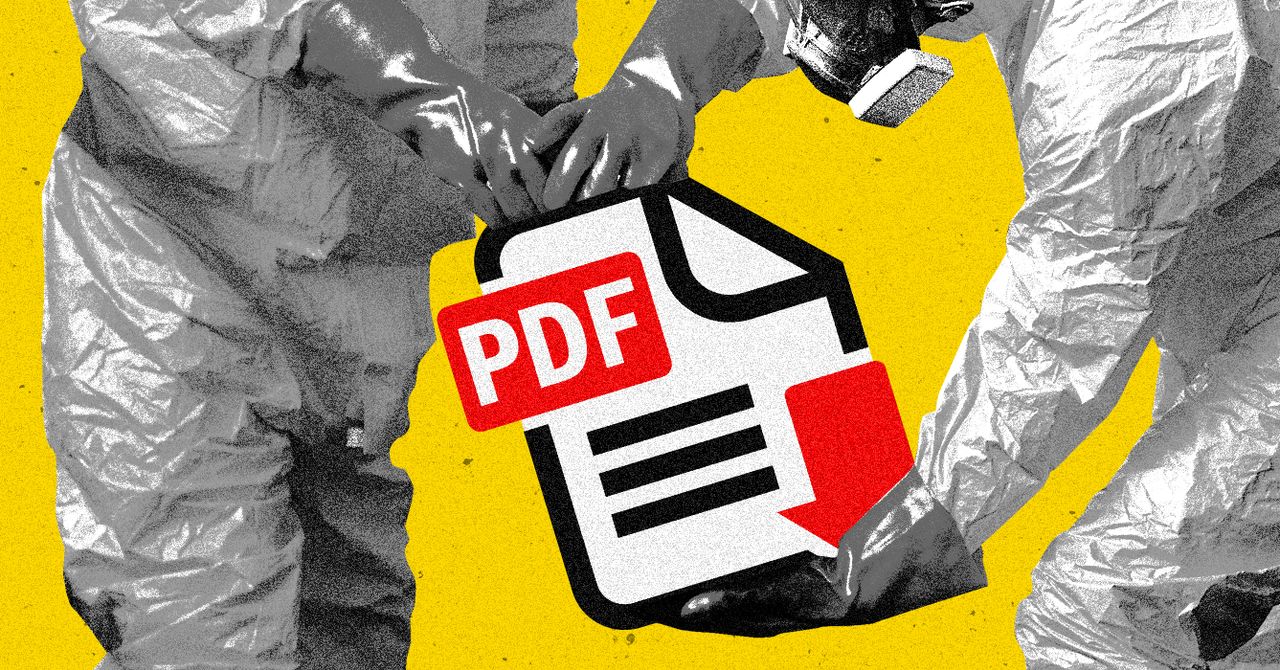
Word documents, and even PDF files, aren’t necessarily safe. These normally innocuous files can be injected with malicious “poison” code or simple scripts of code that can be a serious security risk.

You probably already know it’s dangerous to open files from sources you can’t necessarily trust. If you’re an activist or journalist—or anyone who occasionally depends on anonymous tips to do their jobs—you might run into a situation where potentially useful information is inside a Microsoft Word document or PDF file that you can’t exactly vouch for. Wouldn’t it be nice if you could open those files and read them without exposing your device to potential security risks?

Dangerzone is a free and open source tool built for this purpose. Originally built by journalist and security engineer Micah Lee, this application opens files in a sandbox environment with no internet access, then converts the file to an image-based PDF with no scripting enabled. The resulting PDF has any malicious code stripped out and should be safe to open—at least, as safe as anything can be.

“You can think of it like printing a document and then rescanning it to remove anything sketchy, except all done in software,” explains the about page, which includes a lot of fascinating details about how the application works.

To get started, download and install Dangerzone. There are downloads for Windows, macOS, and various Linux systems. The first time you run it there will be a brief setup, after which you can simply drag files to the window.

Photograph: Justin Pot

The application can open and convert PDF, Word, Excel, PowerPoint, Open Office, EPUB, and image files. You can drag and drop multiple documents at once, if you’d like.

After adding documents you will be asked a few questions: where you’d like the resulting files to end up, whether they should open after the conversion is done, and whether you’d like to use optical character recognition (OCR) in order to make the document searchable. You can also move the original, potentially unsafe documents into a subfolder named “unsafe,” helping ensure you don’t confuse them with the newly made safe ones.

Image may contain Text

Photograph: Justin Pot

Read the full article here

Share. Facebook Twitter Pinterest LinkedIn Tumblr Email

Related Articles

Breville Promo Code: $700 Off | June 2026

June 4, 2026

Meet Microsoft Scout, Your AI Coworker That Never Logs Off

June 4, 2026

How to Avoid Scams and Bad Gadgets on Amazon (2026)

June 4, 2026
Add A Comment
Leave A Reply Cancel Reply

Demo
Top Articles

Starlink Hikes Prices for Nearly 3 Million US Customers. Just One Plan Escaped

May 19, 2026

Garmin Forerunner 70 and Forerunner 170 Add New Training Tools and Better Screen

May 12, 2026

Viture Beast Review: I Think I Found My New Favorite Display Glasses

April 28, 2026

Upgrade Your Front Door With the Philips Smart Lock While It’s Down to Its $150 Low

April 24, 2026
Don't Miss

Prime Video: The 17 Absolute Best Movies to Watch

By Press RoomJune 4, 20260

If it isn’t already, seriously consider using Prime Video as a streaming service for movies.Amazon’s…

5 Ways to Ditch Voice Assistants Permanently in Your Smart Home

June 4, 2026

Don’t Wait for a Blackout to Wish You’d Bought This Jackery Power Station at $1,399

June 4, 2026

How to Avoid Scams and Bad Gadgets on Amazon (2026)

June 4, 2026
About Us
About Us

Modern Life Today is your one-stop website for the latest gadget and technology news and updates, follow us now for the news that matters to you.

Facebook X (Twitter) Pinterest YouTube
Featured News

Sony’s PS5 Price Hikes Prove This Console Generation Is Far From Over. Good.

April 5, 2026

This App Makes Even the Sketchiest PDF or Word Doc Safe to Open

April 5, 2026

Fujifilm Instax Mini 13 Review: Instant Mini Analog

April 5, 2026
Trending Now

I Used AI to Help Me Stay Ahead of Home Maintenance. Here’s How

April 5, 2026

7 Kitchen Items That Could Have You Accidentally Eating Microplastics

April 5, 2026

Review: Heatbit Maxi Bitcoin Miner and Heater

April 5, 2026
  • Home
  • Privacy Policy
  • Terms of use
  • For Advertisers
  • Contact
2026 © Prices.com LLC. All Rights Reserved.

Type above and press Enter to search. Press Esc to cancel.