

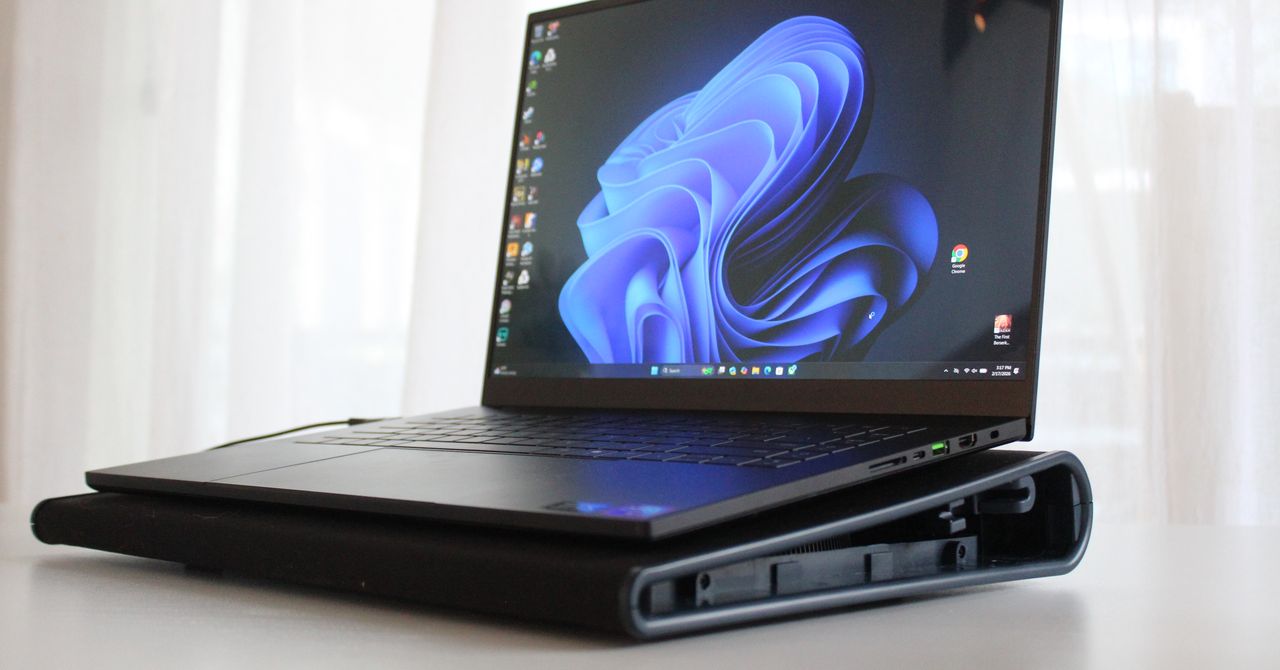
The idea of using a laptop cooling pad feels antiquated. These days, laptop chips have become extremely efficient. The fans on MacBooks (if they even have them) are barely used, and both Intel and Qualcomm are pushing efficiency on the Windows front.
But people keep buying laptop cooling pads, so surely there is a use case in 2026 that actually makes sense, right? I tried out a couple cooling pads paired with a couple of different gaming laptops, and walked away surprised at how effective they could be.
Do Cooling Pads Actually Work?
Photograph: Luke Larsen
Laptop cooling pads have been around for decades, and the idea has always been simple: provide extra air to blow through a laptop that’s otherwise restricted by its own cooling system. In theory, more air means lower temperatures—and, ultimately, better performance. This is the whole idea of the power modes that exist in Windows, which ramp up the RPMs (rotations per minute) of the fans to add more air to both improve performance. More than that, less heat also means a longer-lasting laptop that doesn’t degrade as quickly over time. It’s by that same logic that laptop cooling pads offer help.
The problem, however, is that a cooling pad is a rather inefficient way of transferring air into your device. Most laptop cooling pads, including the two that I tested, use one large fan or two smaller fans to blast cold air across the bottom of the laptop. This is the first reason why the vast majority of modern laptops won’t benefit much from a cooling pad, as these laptops tend to only have vents along the hinge. Without vents or open holes, blowing air across a sheet of metal or plastic isn’t going to do anything to cool the components on the other side. It’ll only generate a bunch of fan noise.
Gaming laptops are the main exception, though, which is why they are the primary use case for such an accessory. Most gaming laptops have a few open vents, usually above the fans, like the Razer Blade 16, which is one of the laptops I used to test these cooling pads. Laptops like the Blade 16 are designed for intensive tasks like gaming, video editing, or local AI processing—and use a high-wattage GPU and CPU to get the kind of performance you need. My model has two of the most powerful laptop components on the market: the RTX 5090 and Ryzen 9 HX 370. As you might guess, they generate a lot of heat when cranked up. Modern chips tend to max out at 100 degrees Celsius, before throttling back performance to bring down temperatures.
Most laptops use fans to cool these components, but the thickness of the laptop chassis is also a determining factor in how much the system will need to throttle back performance to keep temperatures down. In the end, it’s geometry and physics, and every millimeter of space in the laptop chassis has an effect on how cool it can keep its internal components. And unlike in a large desktop PC, you have very restricted space. That’s especially true in the modern era, where even gaming laptops have become increasingly thin.
Read the full article here