



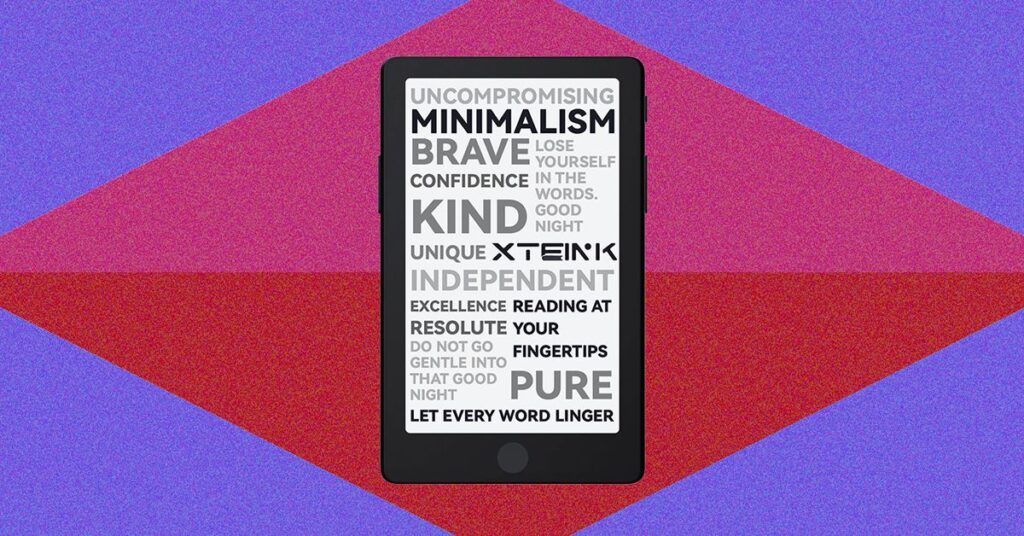
You can tap the hamburger menu in the upper-right corner for a quick menu that includes books and pictures like you’d find in the All menu. There’s also Cloud Sync, which lets you see what’s being uploaded or was uploaded over Wi-Fi from the app; USB Drive, which turns on USB Drive mode to upload files instead of Wi-Fi; and Settings. The app is very straightforward, but you’ll need to create an account and pair your device by scanning the QR code displayed on the Xteink.
The X4 Pro still tells me I need to pair it to an app (there’s a floating box whenever I’m in the Settings menu, even though I’ve already paired it), but the app remembered…
Read the full article at WIRED.COM