







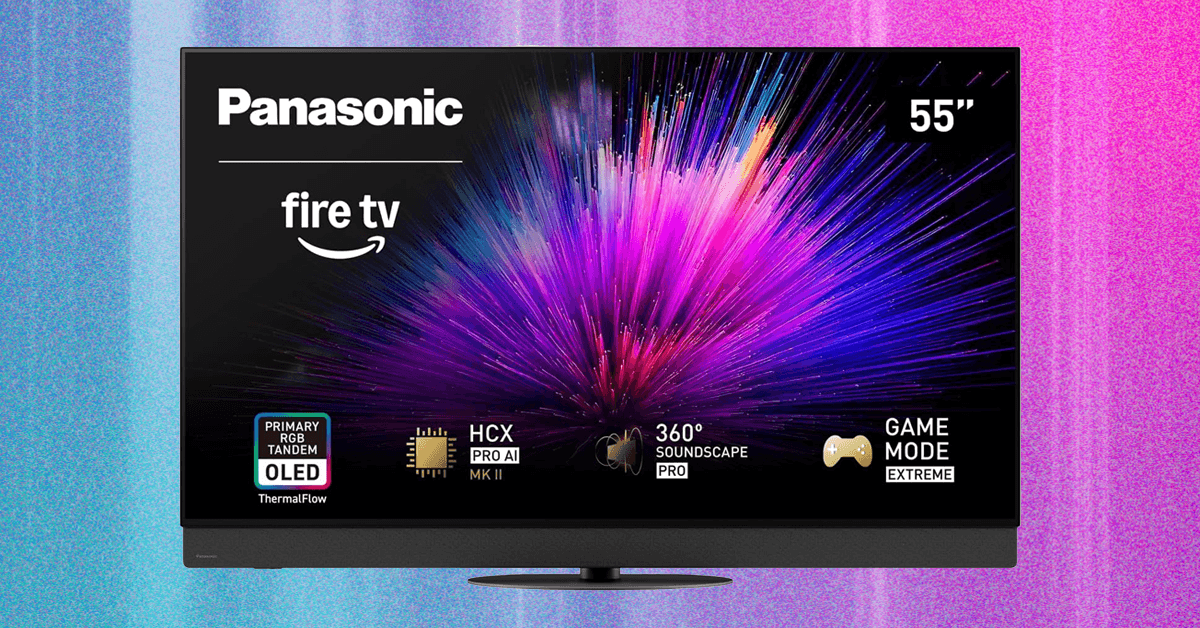
The TV adds plenty of gaming extras, including speedy input response, a built-in game bar, and support for AMD FreeSync Premium and Nvidia G-Sync. You’ll also get video streaming over AirPlay and Google Cast, ATSC 3.0 for Nextgen channels from TV antennas, and support for all major HDR flavors, including HDR10+ and Dolby Vision—something no premium rivals offer.
Fire TV Is Not Fire
Photograph: Ryan Waniata
For all it offers, the Z95B’s Fire TV experience is frustrating compared to favorites like Google TV or Roku. That starts with a busy homescreen that somehow allows for just six streaming apps at a time, with a drop-down for others—not ideal in the bifurcated streaming landscape. As with the Z95A, multiple apps loaded slowly or froze for me over Wi-Fi. Moving to Ethernet fixed it, so it could be a network issue, but I test a lot of TVs over Wi-Fi without trouble.
The full setup requires an Amazon account, or you can choose the Basic homescreen, but that cuts your streaming options to just five apps. In either case, I found the Settings layout unintuitive, including some options that may need to be manually changed to use a connected sound system, such as the One Touch Play setting—another reason this TV works best as a stand-alone.
As for the remote, it isn’t backlit, offers no input key by default, and two of its four quick keys are Amazon services. Even the game bar needs to be manually assigned to the lone quick key for access. If you like Alexa, she can be summoned from both the remote and the TV, but if you don’t want her listening, you’ll need to turn off the mic switch hidden at the TV’s left flank.
In Fire TV’s defense, it’s pretty quick to navigate, its default screen savers are gorgeous, and there are multiple ways to jump back into content, including a solid Continue Watching option. Plus, if you like to fine-tune your experience, there are plenty of ways to do so.
That’s a Lotta Picture Modes!


Photograph: Ryan Waniata
Getting an accurate (and beautiful) picture can be as simple or involved as you desire, depending on how persnickety you are. All the film-forward modes (and there are several) look good. As with the Z95A, I prefer Professional 1 for basic HD/SDR broadcasts, as it’s brighter than modes like Filmmaker or True Cinema while still looking great in any setting by default. The TV’s HDR/SDR Sync feature means HDR10 and HDR10+ will match whichever mode you choose (unless you turn it off), and the HDR modes are even more alike, but I like that Professional 1 turns off ambient light sensors and motion smoothing by default.
Read the full article here


