







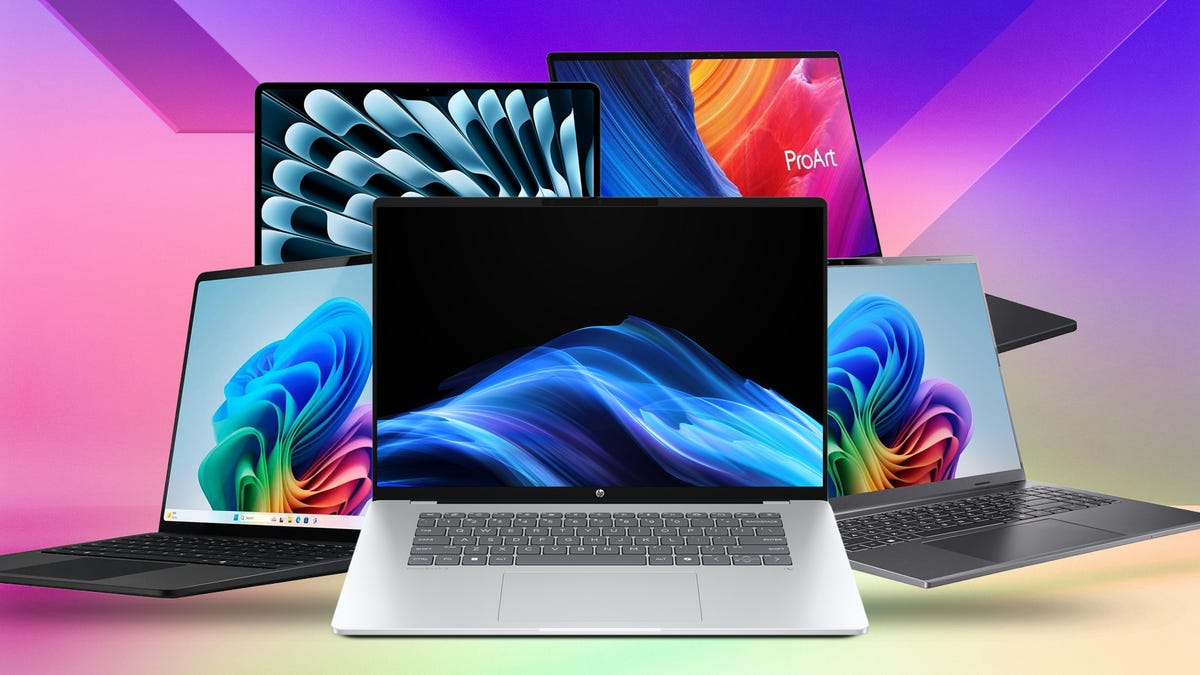
We review a lot of computers at CNET, and we’ve been doing it for a long time. Over the years, some of the methodology has changed, but our core commitment to in-depth product reviews has not. Our review process for laptops, desktops, tablets and other computer-like devices consists of two parts: performance testing under controlled conditions in the CNET Labs and extensive hands-on use by our expert reviewers. This includes evaluating a device’s aesthetics, ergonomics and features. A final review verdict is a combination of both those objective and subjective judgments.
When a computer — typically a laptop, desktop, two-in-one hybrid or Chromebook — arrives at the CNET Labs, we set it up as a typical user of the product would. As a best practice, during the setup, we disable as much of the invasive privacy and data collection options as possible. Then we update the OS, GPU drivers, BIOS and manufacturer utilities as needed and use applications like Sandra from SiSoftware, CPUID’s CPU-Z, TechPowerUp’s GPU-Z and so on to gather information about the system’s components, such as the CPU, GPU, RAM, SSD and mainboard.
Our benchmark tests consist of a core set we run on every compatible system plus also an extended set of tests for specific use cases, such as gaming or content creation, where systems may have more powerful GPUs or higher-resolution displays that need to be evaluated.
The list of benchmarking software we use changes over time as the devices we test evolve. The most important core tests we’re currently running on every compatible computer are:
Primate Labs Geekbench 6 and Geekbench AI
We run both single-core and multicore CPU tests, and either the Vulkan (Windows) or Metal (MacOS) GPU test. On Android, Apple devices and Chromebooks, we run the CPU tests and the Compute test. Geekbench’s CPU tests measure the performance of a mixed workload. The AI test measures the ability of a laptop’s CPU, GPU, and NPU to run AI workloads.
Cinebench 2024 and 2026
We run both the single-core and multicore tests on Windows and MacOS devices. Cinebench measures pure CPU processing performance for 3D rendering.
PCMark 10
We’re phasing out this Windows benchmark, but at the moment still run the last-generation version, which simulates a wide range of functions, including web browsing, video conferencing, photo editing, video editing and more.
3DMark Fire Strike Ultra, Time Spy, and Steel Nomad
We run these tests on any system with a discrete GPU to test a system’s DirectX 11 and DirectX 12 graphics performance, which is especially important for gaming computers. We’ve also run 3DMark’s Storage on gaming laptops test to evaluate the performance of a laptop’s SSD.
Shadow of the Tomb Raider benchmark
This is an older game that can run well on lower-end gaming hardware. It balances the CPU and GPU loads rather than relying exclusively on the GPU, and reports how the two are used. We run the game’s built-in benchmark on systems with a discrete GPU using the Highest quality preset in 1,920×1,080 resolution.
Guardians of the Galaxy benchmark
A more modern game that can still run on lower-end gaming hardware, this measures pure GPU performance. We run the core test at 1,920×1,080-pixel resolution at High Quality, but on relevant hardware may run it at higher resolutions and higher quality (such as with full raytracing enabled) for comparison.
The Rift Breaker CPU and GPU benchmarks
Rift Breaker incorporates both action and complex simulation, which means it can rely heavily on the CPU as well as the GPU for different aspects of the game. We run the core test at 1,920×1,080-pixel resolution at High Quality, but on relevant hardware may run it at higher resolutions and higher quality (such as with full raytracing enabled) for comparison.
Assassin’s Creed Shadows and F1 24
We’ve added these two games to our gaming laptop test suite. We run the built-in Assassin’s Creed Shadows benchmark at 1,920×1,080-pixel resolution at High Quality and the F1 24 benchmark at 1,920×1,080-pixel resolution at Ultra High Quality.
Battery life test
For all computers with a battery, we change the settings to keep the system from going to sleep or hibernating, disable pop-ups and notifications that may interfere with the test, and set screen brightness and volume (output to earbuds) to 50%. We then stream a looped, custom YouTube video over Wi-Fi in Chrome and use Window’s built-in battery report to determine how long the system remained active.
JetStream 2, MotionMark and WebXPRT 3
We run these browser-based tests to evaluate Chromebook performance, and occasionally run them on Windows systems for comparison.
Additional testing
We may run a number of additional tests or variations on the standard tests; for instance, we’ll run Geekbench and Cinebench on battery power to be able to see the impact a laptop’s power-saving settings have on performance. For systems with powerful components we may run loops of other benchmarks to see how stable the system is and how hot the components may run under a full load.
Discretionary testing can also include DLSS (on Nvidia), FidelityFX Super Resolution (on AMD) or XeSS (for Intel hardware) game upscaling and frame generation technologies in 3DMark as well as in games that support them.
As part of a review, we usually include a comparison chart of scores from relevant tests across comparable products. When we make a major change to testing, such as moving from one version of a test to another, we double-test both versions or the entire old and new set to build up a database of comparison data.
Read the full article here


