

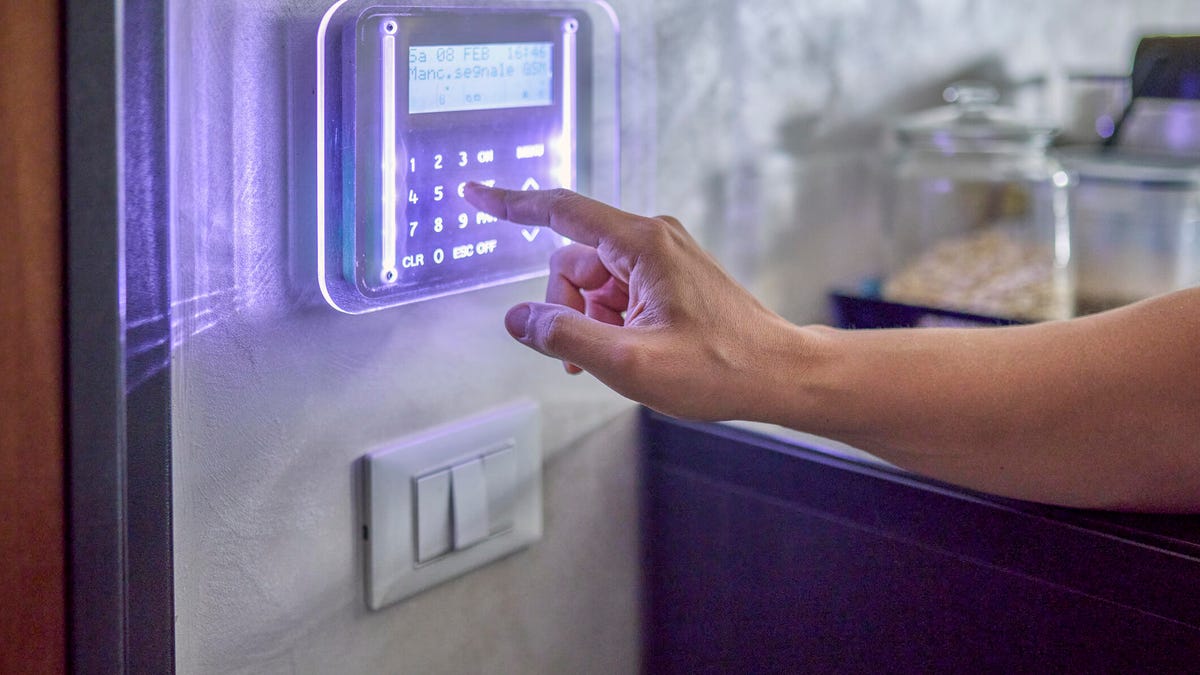
The bane of every home security system, no matter how advanced, is triggering false alarms at the worst times. No one likes a surprise siren going off in the middle of the night, or a smoke detector that’s found a non-existent fire. And if your alarms connect directly to city services (uncommon these days, thanks to monitoring centers) you could even face city fines for repeated false alarms.
The good news is that there are solutions to all those annoyances. Advanced security systems come with tools built to reduce false alarms — you just have to know where to look. If false alarms are driving you crazy, here’s what to do.
Look for sensitivity settings in your app
App-connected security systems and security cams offer a host of setting controls, often too many for first-time users to easily understand. But one setting you need to master is the sensitivity scale for devices like motion sensors.
Most security apps offer you the ability to adjust sensitivity, usually with a slider. If sensors are too sensitive, they can be triggered by faraway movements or even small pests that may be exploring your home.
Reducing sensitivity lets you keep using those sensors while keeping them focused on what matters, so start by adjusting this setting.
Use privacy and motion zones
If your home security system includes security cameras that can detect people and sound alarms or sirens, you can cut down on false alarms by using privacy zones and motion zones, other options found in your apps.
A privacy zone lets you set (sometimes, literally draw), an area that the camera sees but should ignore, such as a corner where someone’s head always pops up by accident or a sidewalk where people walk their dogs. The cam won’t give any alerts for that area. Motion zones are the opposite. They let you set areas that cameras should focus on specifically, to help improve accuracy.
Important tip: Most modern security cameras also let you filter alerts based on whether the camera recognizes a human versus detecting a vehicle or animal. That’s another easy way to cut down on false alarms if you have this technology.
Adopt air filters and air purifiers
Cleaning your air may sound like a strange way to stop false security alarms, but it can be very useful in the right circumstances — especially when it comes to smoke detectors.
Smoke alarms are better than ever at avoiding false signals, like a brief whoopsie over the cooktop, but they aren’t perfect. One thing that often triggers them is heated air from an older furnace or from construction in brand-new houses, which can carry lots of hot dust and other particles that smoke detectors may read as smoke.
Those false alarms are particularly common in fall when you first turn the heating on after months of warmer weather. The best way to fix the issue is to make sure your heating equipment is clean, your home air filters are replaced and you’re using air purifiers to help cut down on indoor particles.
Try a different motion sensor placement
Motion sensors can be cranky and subject to poor triggering in the wrong places. If yours are going off at random times, you should think about finding a new spot for them. Set motion sensors so they avoid:
- Lower spots where they may detect a passing cat or small pet (many motion sensors will always detect large dogs, so there’s not much you can do about that).
- Windows where they may accidentally capture outdoor action.
- Mirrors that could reflect motion from other parts of the home.
- Ceiling fans that may be turned on at different times of the year.
- Plants that could sway when hit by forced air from vents.
If that all seems like a lot, you don’t have to use motion sensors at all. Today’s access sensors are typically enough for home safety and aren’t subject to the same faulty triggers as motion detectors.
Give yourself a larger grace period when arming
Teaching everyone in your home disarming steps for the system is only the beginning. You should also adjust the grace period for arming the security system, i.e., the time it takes from when you arm it to when the system goes live and will trigger if it detects someone present.
Particularly when using a new security system, set the grace period to a longer time so everyone can practice getting out of the house easily or go back to grab forgotten items. A one- or two-minute grace period is fine: I promise it’s very unlikely someone will try to break in during those precious seconds.
Replace your sensor batteries
Security sensors typically run on batteries that need to be replaced or recharged about every year or two. When those batteries start to fail, devices can malfunction, and that may lead to false positives that cause your security system to go off.
Some apps will give you low-battery alerts, but the best way to make sure your system is prepared is to schedule a maintenance check. This is an ideal time to schedule a quick dusting as well, so your sensors are as accurate as possible.
Keep panic buttons out of your pocket
Some false activations occur because panic buttons are accidentally pressed. That’s most common when you connect a panic button to your keys and it stays in your pocket all day, even if it has a key fob design. If you choose to use one, I suggest keeping your panic button out of your pocket and in a convenient spot instead. Just make sure it’s not an attractive bauble for pets or kids to play with.
To learn even more about how to improve your home, check out my guide on where to put security cameras, the most useless home security features and how the right home security could save you a lot of money.
Read the full article here