

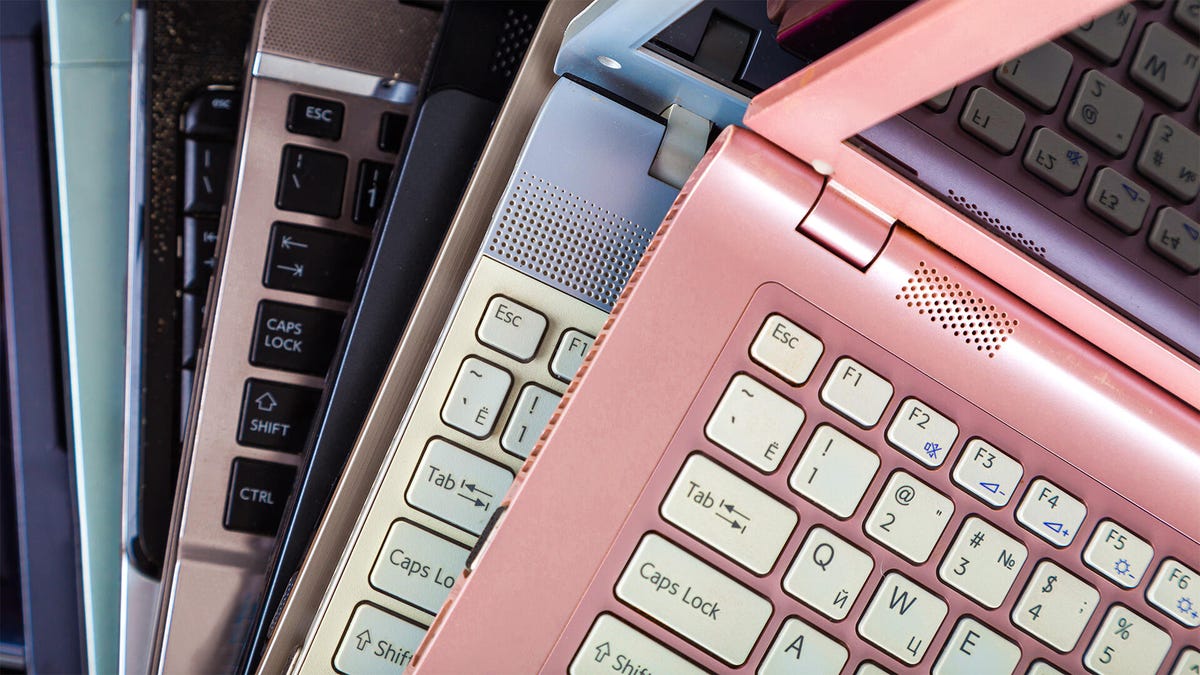
I recently needed to replace the laptop in my testing lab (aka the living room). It didn’t need to be anything special, so I started looking at used and refurbished laptops on Amazon and eBay. Some of the best deals were on computers still running Windows 10 — an operating system Microsoft recently stopped supporting, requiring you to upgrade to Windows 11 (admittedly, for free), if your PC could support it.
You may be wondering, if this was a required switch, why are there still so many Windows 10 computers for sale online? Well, it’s theoretically possible that some of them might be able to run Windows 11. What’s far more likely is that they can’t handle Microsoft’s current OS, and that’s why they’re for sale.
Don’t fall for this trap. It’s a bad idea to buy a Windows 10 computer, even if the price looks great. If that’s not enough to wave you off, below is a list of reasons why it’s a bad idea and what to check to see if maybe, possibly, it could be upgraded to Windows 11 after you buy it.
Why should I care about Windows 10 support?
One of the main reasons Microsoft regularly updates Windows is to patch security issues. These issues can let people access your computer. Once they have access, they can get into your email, access your bank account info, steal your identity and more. Since Microsoft is no longer supporting Windows 10, isn’t not safe to use compared to the regularly updated Windows 11. Take it from someone who writes about this stuff for a living and has been building his own computers since the early ’90s, this is not something you should take lightly. Don’t use Windows 10.
What to check
If you’re on an extremely tight budget, my first recommendation is to just get a cheaper Windows 11 computer. If, for some reason, you want or need a better, but older, computer that’s currently for sale with Windows 10, most computers from the last five-ish years can be upgraded to Windows 11 for free.
It took me about 20 minutes on my then 6-year-old desktop to upgrade, and that was because I needed to access the BIOS to adjust some settings. For most people, it’s just a matter of letting the computer do its own thing for a few minutes. In other words, updating a capable Windows 10 computer to Windows 11 is free, easy and not terribly time-consuming. The fact that this wasn’t done for the used or refurbished PC you’re considering should give you pause.
If you have access to the computer, it’s easy to check if it’s compatible with Windows 11. Without being able to physically inspect the computer, it’s difficult to say with 100% certainty if you’ll be able to upgrade to Windows 11. There are some signs that it probably isn’t compatible:
It’s probably not Windows 11 compatible if:
- It was manufactured before 2019 (or so)
- It has an older processor
- It’s running any version of Windows before 10
- It’s not compatible with Secure Boot, Trusted Platform Module or UEFI
You can read a few more required specs on Microsoft’s site. There are some workarounds for some of the requirements, but I wouldn’t count on them. For instance, there was a short time when some motherboards were Secure Boot and TPM compatible, but those features weren’t enabled. My desktop from 2019 was like this. In that case, you can enable these features and then install Windows 11. If you’re able to determine what the motherboard and processor models are on the computer you’re considering, you can search the web to see if they’re compatible.
If all else fails, ask the seller why they didn’t update it to Windows 11 and hope they also respect a return policy if they lie.
The one situation where Windows 10 is OK
If you never plan to connect the computer to the internet, then it doesn’t matter which operating system it’s running. If it’s not online, it can’t get malware, viruses or otherwise be hijacked by ne’er-do-wells. That means no Wi-Fi, no web browsing, no downloading games, no streaming video, nothing. The vast, vast, vast majority of you reading this are going to want to connect to the internet for something, so Windows 10 is a bad idea. The computer itself is going to want to connect to the internet as it will need to update drivers, patch software and so on.
There are only a handful of very specific uses for an offline computer, and unless you have one of those specific and not common uses, you shouldn’t consider a Windows 10 laptop or desktop. In fact, if you clicked on this article at all, to be perfectly honest, I would advise against buying a Windows 10 computer. Windows 11 models, even refurbished ones, are only slightly more expensive and safer.
In addition to covering audio and display tech, Geoff does photo tours of cool museums and locations around the world, including nuclear submarines, aircraft carriers, medieval castles, epic 10,000-mile road trips and more.
Also, check out Budget Travel for Dummies, his book, and his bestselling sci-fi novel about city-size submarines. You can follow him on Instagram and YouTube.
Read the full article here