

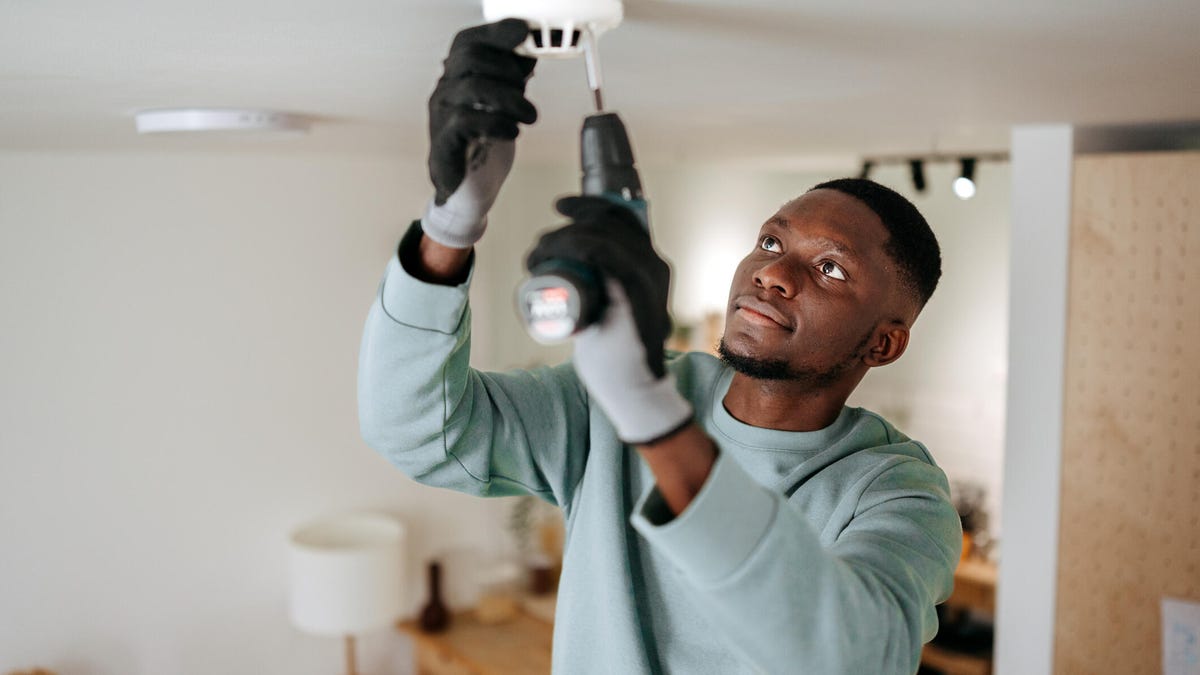
Home security systems offer two installation options: do-it-yourself kits that are shipped right to you and leave the rest in your hands, or professional installation, where someone comes out to your home and installs the system for you.
With today’s compact, often wireless sensors and cameras, most security systems can be DIY if you’re willing to put in the work and climb a few ladders. It’s one of my favorite ways to install security devices, especially since today’s app-contacted sensors take very little time to set up. Plus, you can save money — and I took a look at just how much you can save if you don’t need a professional installation.
Read also: Best Home Security Systems for Renters
System installation costs by security brand
Going full DIY will, of course, save you the money you’d have to spend on having a local security worker visit your house and set up the system. DIY setup has no additional cost except your own time (which can be precious). But how much can you actually save? Let’s break down the installation fees by popular home security brands:
- SimpliSafe: Starts at $125
- ADT: Around $150 but can vary based on the size of the security kit.
- Vivint: Vivint bundles installation costs into its quotes, which can vary significantly, but they seem to start at $100 and rise depending on the size of the system.
- Ring Alarm: Typically DIY but professional installation is available via OnTech starting at $160.
- Abode: Starts at $100
- Cove: Starts at $130
- Frontpoint: Starts at $100
- Comcast Xfinity: Our review installation cost around $60, but fees now start around $100 and can vary by location.
- Brinks Home Security: Brinks bundles installation costs in overall quotes which can vary, but they also seem to fall around $100.
Starting prices like these will rise for larger kits, especially those with more advanced devices, like security cameras or video doorbells, that take more time to set up. That’s why average costs for a pro installation usually work out to around $200.
Finally, keep in mind that wired systems tend to be more expensive to set up than wireless security devices. If you need additional wiring work like a new outlet, running additional wiring in walls or adding an outdoor junction box, then installation costs skyrocket, and the project is usually well beyond even the most capable DIYer. That’s why wireless systems are such a boon to the modern homeowner.
What about activation fees?
Activation fees refer to an extra charge to turn a system on and set up monitoring. These fees aren’t as common with today’s wireless systems and may be waived with various deals or by spending above a certain amount on a security system. If activation fees do apply, they’re usually an extra $50 to $100 on top of the installation fee. Annoying, I know.
DIY services breakdown
DIY systems either let you build your own kit by putting items in a cart or buy a base kit with a certain number of sensors and add to it if you like. Sensors are typically installed with adhesive strips, while heavier devices may need to be mounted with screws.
While you can sometimes pay for extra help, you’re pretty much on your own for installation — but the devices are usually fairly pain-free to set up since average customers are the target audience. Almost every security brands offers DIY options these days, including ADT, Abode, SimpliSafe, Ring, Arlo and even Ikea.
If you only want to set up a couple of devices, like a security cam and hub, then your options expand to Nest, Arlo and far more brands, but for this guide, we’re focusing on full home security kits.
An interesting feature of DIY systems is that you can often get professional monitoring as an optional add-on — or you can self-monitor, a more affordable middle way between professional monitoring and nothing.
Different companies offer different monitoring plans, costing anywhere from $20 to $60 per month. Some kits don’t require a monitoring fee at all, but major brands may require you to pay at least a self-monitoring fee to use the system.
Finally, DIY options often give additional ways to save. For instance, SimpliSafe allows you to save 25% by purchasing refurbished devices directly from the company. If you don’t need the latest and greatest and are on a budget, a refurbished device can give you decent home monitoring. Additional add-ons can also help you both customize your system and keep on budget.
Professional installation breakdown
If finding deals and fiddling with your own monitoring system isn’t your cup of tea, professional systems offer something a little more painless. These often come as pre-established kits, often offered in tiers, starting at base systems that give you devices like alarms, door/window sensors and control panels. Higher-tier kits add bells and whistles like smart cameras and connected deadbolts.
In these cases, the pros set up the system, activate it and show you how to use it. They can also offer advice or make choices about the placement of sensors, hubs and cameras. If you want a system that’s highly regimented and easy to understand, an option like this could be a good choice. Professional installation is also important for buyers who simply don’t have enough time or for homeowners with mobility issues who can’t easily manage a full installation themselves.
Professional installation is rarely required these days, but some home security companies may still make it mandatory, especially if you order a specific kind of system or promo deal. And speaking of promo deals, some discounts may waive installation fees or otherwise make professional installations easier to afford.
Extra fees and services
Installation fees aren’t the entire story when you buy a security system. Here’s some add-ons you should be aware of, too.
Extra devices
Many installers will charge extra for certain devices, like if you add a security camera to the kit or your access sensors go above a certain number. Smart locks will also almost always have additional installation fees.
Contracts
Professional monitoring typically requires a contract. Many old-school security brands will require at least a three-month contract, even if you choose a DIY option, although this is becoming less common. Always check to see if a contract is required to get discount, if it adds any monthly account fees and what the fees are if you want to break a contract early. (Contract termination fees usually start around $100.)
Customer support and warranties
Take a look at warranties for your devices and especially what happens if you decide you don’t like the home security system. For DIY, you’re usually on your own, but if you have a professionally installed version, you typically have a grace period of at least a couple of weeks where installers will take away the system for you. Otherwise, removing the system would also be an extra cost.
Bottom line
A professional home security installation starts at around $100 but can rise with larger systems and more complicated devices like security cameras. That’s money you can save if you choose a DIY setup with a wireless system you can install yourself, either with screws or adhesive strips. For more handy information, take a look at the best spots to put security cams and the worst places for cameras, as well as our complete home security cheat sheet.
Read the full article here