

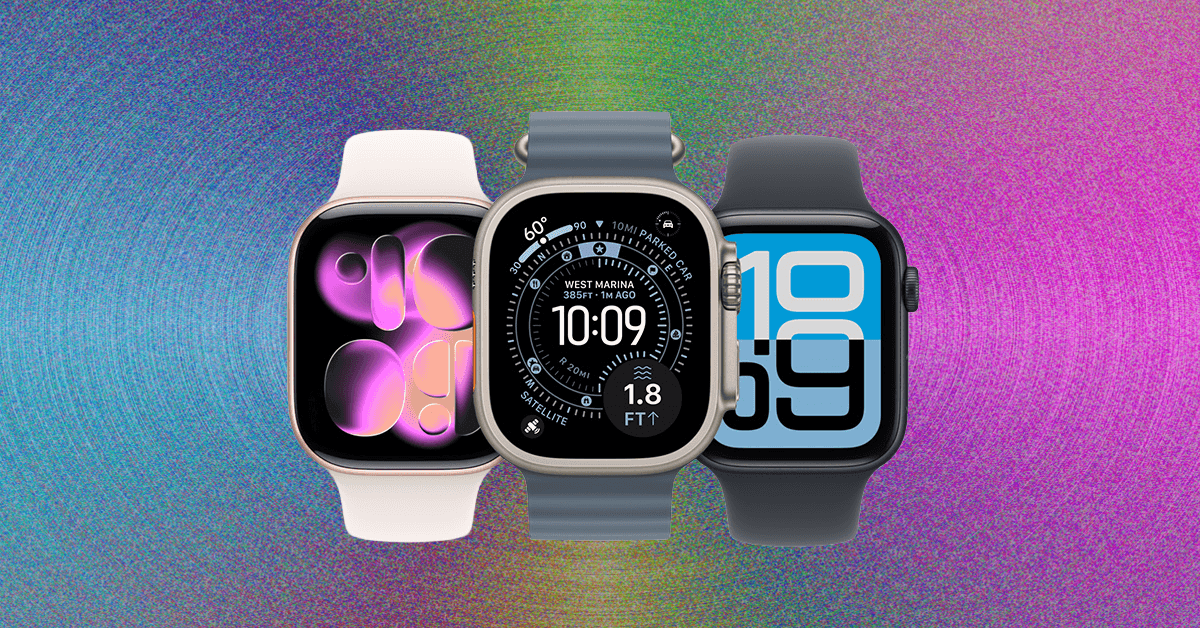
New Fitness Features
Courtesy of Apple
There are many reasons to wear an Apple Watch besides the health features. Maybe you just want quick access to your text, calendars, or Siri. Maybe you want to keep track of your kid or make sure your elderly mom doesn’t fall down.
Still, I have been following the Apple Watch’s development for years, from a fairly standard wearable accessory to a fully featured fitness tracker that now compares favorably against the high-end Garmins and Suuntos of the world. Since its inception, Apple has gone all in on the watch as a personal health device, with CEO Tim Cook even going as far as to say that the watch will save your life. Hypertension notifications and sleep tracking are a significant step forward, although the long-touted noninvasive continuous glucose monitor has yet to make an appearance.
In addition to health-related features, Apple has also unveiled additions to its workout programs over the past few months. The AI-enabled Workout Buddy in Fitness is perhaps the most prominent (although I personally don’t feel like I have benefited that much from a bot cheerfully chirping the name of the song I’m listening to). Apple has also started offering Fitness+ in more countries and launching new workout programs, like three-week strength training programs that are designed to jump-start your workout routines.
It’s also worth noting here that Apple Watch data is compatible with many more fitness and workout apps besides Apple’s proprietary Fitness+. For more information on which app is the right pick for your Apple Watch, check out our guide to the Best Fitness and Workout Apps. Fitness+ is also available on the iPhone, iPad, and Apple TV.
Compare Top 5 Apple Watches
The Best Apple Watch Apps and Accessories
-Reviewer-Photo-(no-border)-SOURCE-Simon-.jpeg)
Photograph: Simon Hill
Once you have your Apple Watch, you’re going to need some accessories. Here are the ones for you to consider first.
A 3-in-1 charger. Apple Watches are notoriously hard to keep charged. This Belkin Qi2 charger ($110) is our favorite stand, but we have many more selections in our Best 3-in-1 Apple Wireless Chargers. You can also pick up a power bank ($90) with a built-in Apple Watch charger so you’re not caught out and about with a dead watch.
Whatever band you want. Our Best Apple Watch Accessories guide has a ton of options. My personal favorite band of all time is the Konsu NYC supple leather band ($169), but we have many more in our guide.
A case and a screen protector. Apple’s service pricing is notoriously exorbitant—repairing a watch costs almost as much as buying a new one! Bigger and more expensive isn’t always better. If the case is big and doesn’t fit well, it will rattle annoyingly every time you get a notification. I like the Spigen Thin Fit Case ($15) and a screen protector set from Amazon ($10); extras are nice if you mess up the first application.
Avoid These Watches
It’s been years since we’ve seen retailers carry the Series 1, Series 2, or Series 3. You may see them on resale sites, but they are not worth the price. WatchOS 26 only works with the second-gen SE and newer, so we no longer recommend buying the Series 4 or 5, or the first-gen SE. The Series 1 isn’t waterproof; neither the Series 1 nor the Series 2 has any cellular capability; and none of these watches are compatible with the latest watchOS version.
Power up with unlimited access to WIRED. Get best-in-class reporting and exclusive subscriber content that’s too important to ignore. Subscribe Today.
Read the full article here