

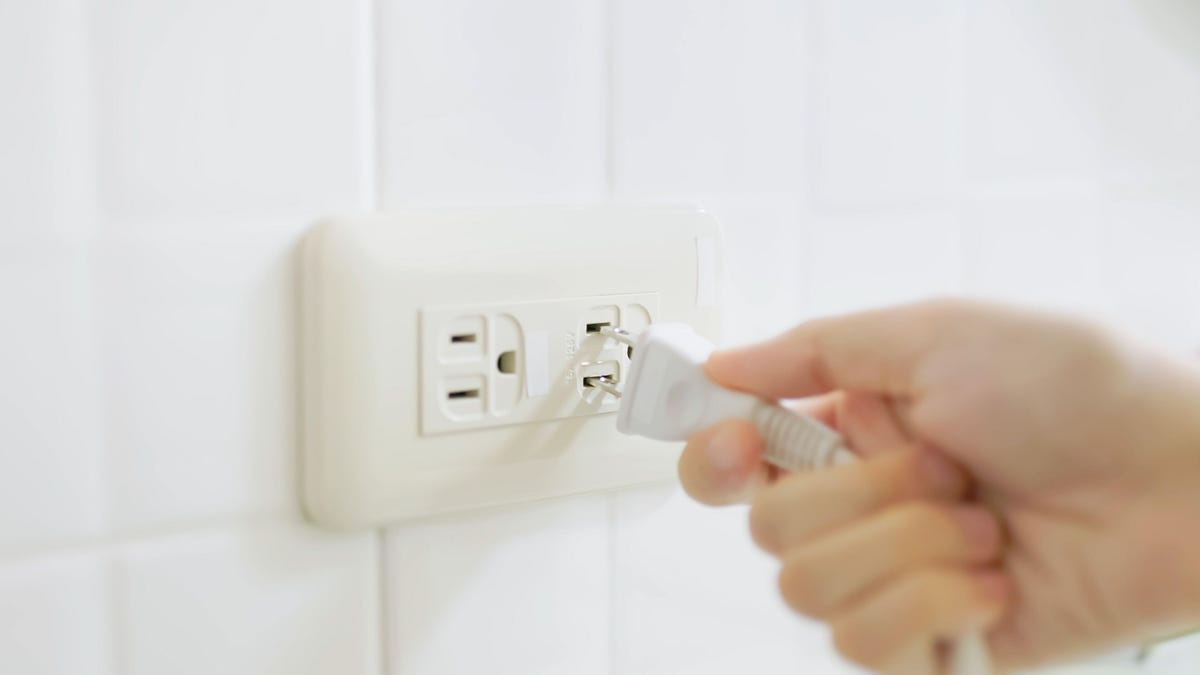
What do you do with all of your electronic devices when you leave the house? Your large appliances like refrigerators and dishwashers stay connected to power. But most of your smaller devices are likely different, and you unplug them from the wall before you head out. Unplugging your toaster, hair dryer, or coffee maker when you aren’t using them can save energy and improve home safety, so it’s a good idea to remember to do so when you leave.
But that begs the question: Should your toaster, hair dryer and coffee maker stay plugged in when not in use?
To better understand which common household items pose the greatest safety risks when left plugged in, we consulted an expert. Jerry Poon, a principal electrical engineer at Red Dog Engineering, revealed how some devices carry far higher risks than others.
“My rule of thumb: If it gets hot, pulls a lot of power or has a sketchy cord, unplug it,” Poon says. “It’s the easiest safety habit you can have.”
While low-power electronics, such as phone chargers, alarm clocks and laptops, are typically fine to leave plugged in, some devices need extra care and attention.
“What I see cause issues more often is people plugging high-draw devices into cheap power strips or old, loose outlets and then leaving the house,” Poon says. “That’s where problems start.”
Here are seven devices you should unplug when not in use.
1. Space heaters
There’s a reason space heaters top our list. When used incorrectly, they pose a significant fire risk. According to the National Fire Protection Association, from 2019 to 2023, fire departments across the US responded to an estimated 38,881 “home heating equipment fires,” with space heaters and heating stoves accounting for 29% of these fires.
To avoid becoming part of this statistic, never plug your space heater into an extension cord and always unplug it from the wall outlet before you leave your home or when it’s not in use.
2. Air fryers
These countertop appliances are a great addition to your kitchen, but they should be treated the exact same way as a space heater. Meaning, never plug them into an extension cord and never leave them plugged in when not in use, even if they are not turned on.
“‘Turned off’ isn’t always the same as safe,” Poon says. “Some devices still have power flowing when they’re off, especially anything with a standby mode, digital display or remote control. The bigger concern [with] heat-producing devices, even when off, [is] a failure inside the device or cord can cause problems if it’s plugged in.”
Read more: I Didn’t Think I Could Love My Air Fryer More — Then I Switched to This Model
3. Portable AC units
Portable AC units are considered “high-draw” devices, so even though they don’t produce heat, they should still be unplugged when you leave your home.
4. Hair tools
Although there is an off switch on hair dryers, curling wands and straightening irons, that doesn’t mean they should remain plugged in even when turned off. As Poon explained, the off switch could fail, which poses a safety hazard.
5. Older coffee makers
Older coffee makers pose a greater risk than newer ones because they might not have an automatic shut-off, which means they could overheat if you forget to turn them off or unplug them on your way out.
Regardless of the coffee pot’s age, many still recommend unplugging it from the wall as an extra layer of protection.
6. Lamps and devices with an old cord
“My rule of thumb is simple: if it gets hot, pulls a lot of power, or has a sketchy cord, unplug it,” Poon says. “It’s the easiest safety habit you can have.”
Older, or “sketchy” cords, as Poon says, can also pose a fire hazard if they are frayed. The same goes for old outlets. Your best bet is to have those replaced by a certified electrician before using them.
7. Toasters
Like coffee pots, toasters pose a fairly low fire risk, but in situations like this, it’s always better to err on the side of caution. Unfortunately, never know when a short circuit may occur when any of your devices are plugged in.
“The short version is this: Devices that make heat or have motors are the ones I’d never leave plugged in when I’m gone,” Poon says, later adding, “If something goes wrong, [it goes] wrong fast.”
Read more: Can an Air Fryer Replace Your Toaster Oven?
What about smaller electronics?
For computer monitors, phone chargers, televisions and alarm clocks, Poon says these don’t pose the same type of risk and can stay plugged in even when you’re not home.
“These don’t draw much current and generally aren’t a fire risk if the cords and outlets are in good shape,” he says.
Read the full article here