

Adding devices is easy, as long as you already know which category they belong to. It’s not as straightforward as it sounds. For instance, depending on the model, an Apple TV can be controlled by IR, Bluetooth, or Wi-Fi (or all three). Since there’s no global device search, you must decide which one to use. If you choose IR, you’ll have to decide if an Apple TV is a Set Top Box, a Media Box, or a Media Player. Spoiler: You’ll find it in the second and third categories, but not the first.
My Nvidia Shield, which I think of as a media player, is categorized as a Smart TV. On the other hand, my LG C7 OLED, which is genuinely a Smart TV, couldn’t be found in the Smart TV device section, so I had to add it as an IR device instead. Still, after about an hour of messing around, I was able to add several of my most-used devices.
Photograph: Simon Cohen
Some brands get dedicated integrations for deeper control and easier device detection. Sonos gets its own category, as does Roku, Philips Hue, BluOS, and Denon.
The sequences I created were hardly complex—they’re all variations on the Watch TV idea, since I don’t own any smart home devices like lightbulbs or blinds. They were easy to create, but unlike the Harmony, you can’t test them before you sync them to the remote.
There’s also no way to edit sequences (except to change the order of steps or the delay between them). The most frustrating omission, however, is the lack of a help feature when a sequence fails, which happened to me several times. Cantata says it’s working on this, but hasn’t said when it will be added.
Tough to Use
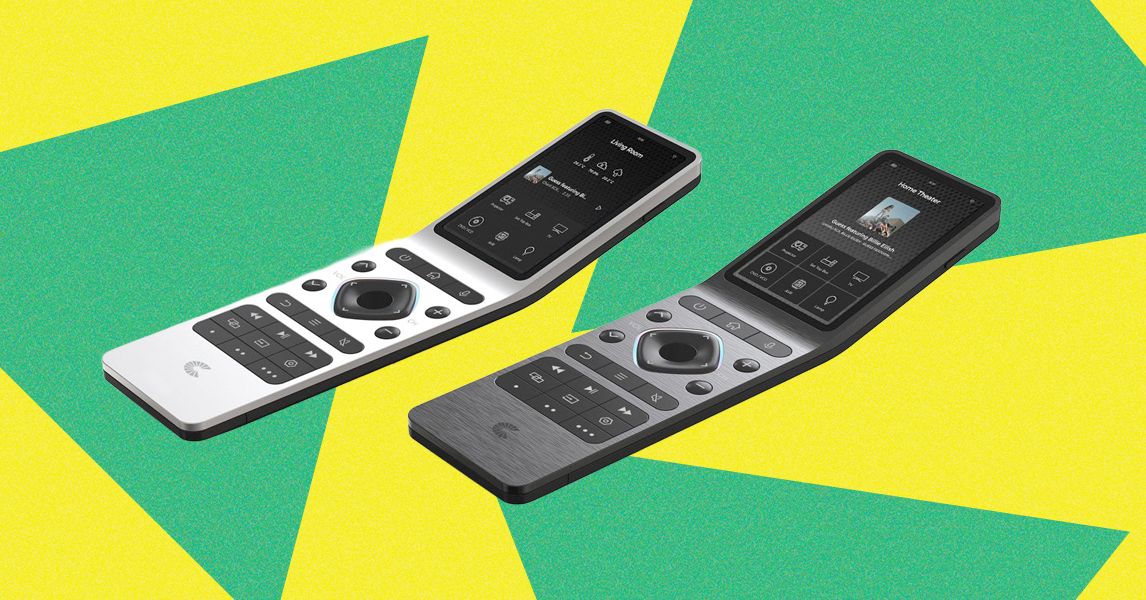
Once you start working with the RS90, things become more confusing. Instead of the simple Devices/Rooms/Sequences organization from the Haptique app, the remote uses Groups/Macros/Rooms as the three primary home screens. Rooms is easy—it’s the collection of rooms you create in the app. Macros is where you’ll find sequences you’ve created, but only the ones you’ve flagged as favorites. Groups, I think, is meant for devices—it uses the same icon as Devices in the app—but there are no devices here, and there’s no way to favorite them. Instead, to see your devices (or your nonfavorite sequences), they must be added to Rooms.
Navigation on the remote is bewildering. Some buttons, like the rooms, require a single tap. Others, like devices and sequences, need a long press. You can use the D-pad to move around the interface, but once you’re into a device-specific screen, the D-pad and other buttons like Home become mapped to that device. To go back to the home screens, you need to long-press on the back button.
Read the full article here