






Boy, do I talk a lot about the smart home in my reviews and product recommendations. But I don’t take much time to explain exactly what that means, which can be confusing to beginners. That’s why I’ve also created this guide.
If you’re interested in upgrading your home with new tech and you’re not sure where to start, take a look at this guide so you have the right foundation. I’m explaining what smart devices are, what makes a home “smart” and how it all works together. After this, you’ll be ready to check out the top home security, best smart light bulbs and other clever connections that can help with daily tasks.
Let’s start with the three main parts of a smart home and what they do.
1. Devices that send and receive information
The first part of a smart home is the devices that you use in your home. Some are unique additions, while others replace common home electronics that you probably already have. But these smarter devices have extra features and capabilities that many people find handy, from saving energy to increasing safety. Just one product makes your home a little smarter. Add several, and your digs become an official smart home.
Here are a few common examples of home products that can be “smart” like this:
From a user standpoint, some devices are more focused on what information they send, and some are more focused on what they receive. For example, leak detectors primarily send information like alerts or sirens when they detect water. Smart light bulbs generally receive information like when to dim at night or what color to change to.
Also, I know it seems like the smart home is dominated by Amazon, Google and Apple. But there are hundreds and hundreds of other, smaller brands also creating smart devices, often in innovative fields, and they’ve become common enough that you can pick up a smart product or two in any local department store.
If you’re wondering what devices to start with, Adam Wright, research manager at research firm IDC, told me, “The smart security segment stands out for its consistent innovation and strong value proposition. AI-enabled cameras and video doorbells, in particular, have driven the continued growth and interest in smart security devices, thanks in part due to a clear value proposition.
“Intense competition among a very large number of vendors continues to put downward pressure on prices,” he said.
2. Data connections between those devices
The second part of a smart home is the wireless connections that these devices create, which link them to other technology, like our smartphones. No device is really considered smart unless it has a wireless connection to something else, providing updates about its status and/or ways to control it remotely.
Several types of connections support this smart home chatter: all the languages and standards that smart devices use. One of the most common is your standard Wi-Fi connection, which enables access to smart home devices, even when you’re far from home on vacation. Many smart devices can also use Bluetooth connections, especially when it comes to playing music or changing the colors of lights.
Then there are dedicated, low-energy connections that smart home devices use to communicate with controlling hubs and, occasionally, directly with phones. At the start, those wireless connections were mesh networks like Zigbee and Z-Wave, which you can still find on many smart devices. Over time, these specialized connections have turned to Thread, a more advanced, high-security option.
No matter the name, these connections all enable smart devices to send and receive information. But where do the users come in? That brings me to the final part of the smart home: our own app controls.
3. Apps that control the devices and send notifications
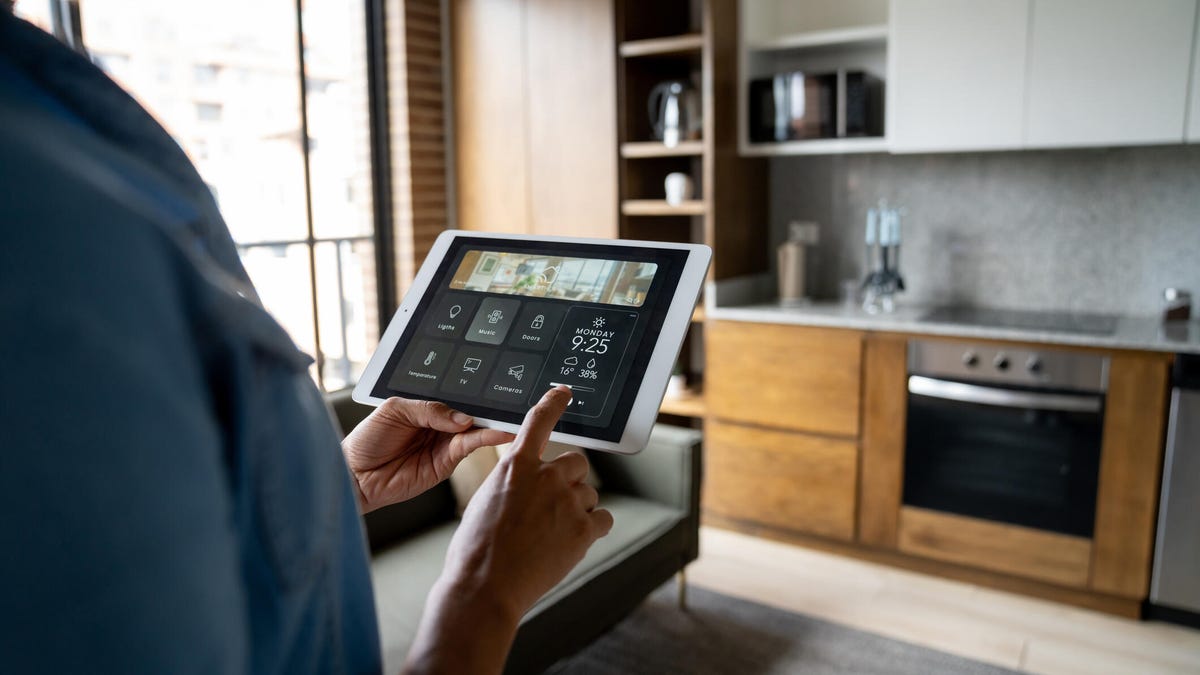
The wireless connections smart devices use ultimately allow us to interact with them using downloaded apps on our phones, tablets and computers (and set-top boxes, smart displays, etc.).
These apps act like complex remote controls. Open them up and you can do things like check on the status of an appliance, turn a device on or off, set a temperature, see a live view through a connected camera, talk through speakers, adjust colors and lock a door or close a garage. Behind these scenes, these apps are often supported by the company’s own servers and cloud storage.
Home apps also tend to have lots of menu settings to tinker with things like family profiles, sensor sensitivity levels, geofencing and what AI-powered smart alerts you get. For those who want to go even deeper, apps also let you set smart home routines where multiple devices act simultaneously — like locking or unlocking doors, disarming security systems and turning on lights all at once.
One last important note: These apps come in two flavors. The first type is the app created and offered by the company that created the smart device. These apps can vary in quality, but tend to have the most settings and feature options. The second type is the more central smart home platform, notably Amazon Alexa, Google Home and Apple Home. These apps are more streamlined, but you can connect multiple types of smart devices to them (and more all the time, as the Matter standard expands), and they enable voice controls with assistants like Alexa, Gemini or Siri.
Does every smart home device need to have an app? Well, usually. Otherwise they probably don’t have the extra features we’re talking about. But some devices don’t require much app use at all, like the Ring-enabled Kidde smart smoke detectors released this year or this SwitchBot air quality monitor. And other times, I’m willing to include no-app products if they have high-tech features, like this auto-adjusting, no-outlet Guidelight 2 LED nightlight.
Final words
There you have it. These three parts comprise almost any smart home: The devices installed in your home, the connections they use, and the apps we use to interact with them. It’s fine to start small with a single device, too. Look for something that can fix a problem around your home that you’ve been annoyed with for a while, like leaving the door unlocked or not being able to watch your pet. And if you’re renting, don’t worry — you can still safely use plenty of smart home technology in a rental.
With your crash course in smart homes complete, why not stop by some of our recommendations for indoor security cameras, the smart devices I can’t stop using this year and the best cheap smart devices our editors use.
Read the full article here


