

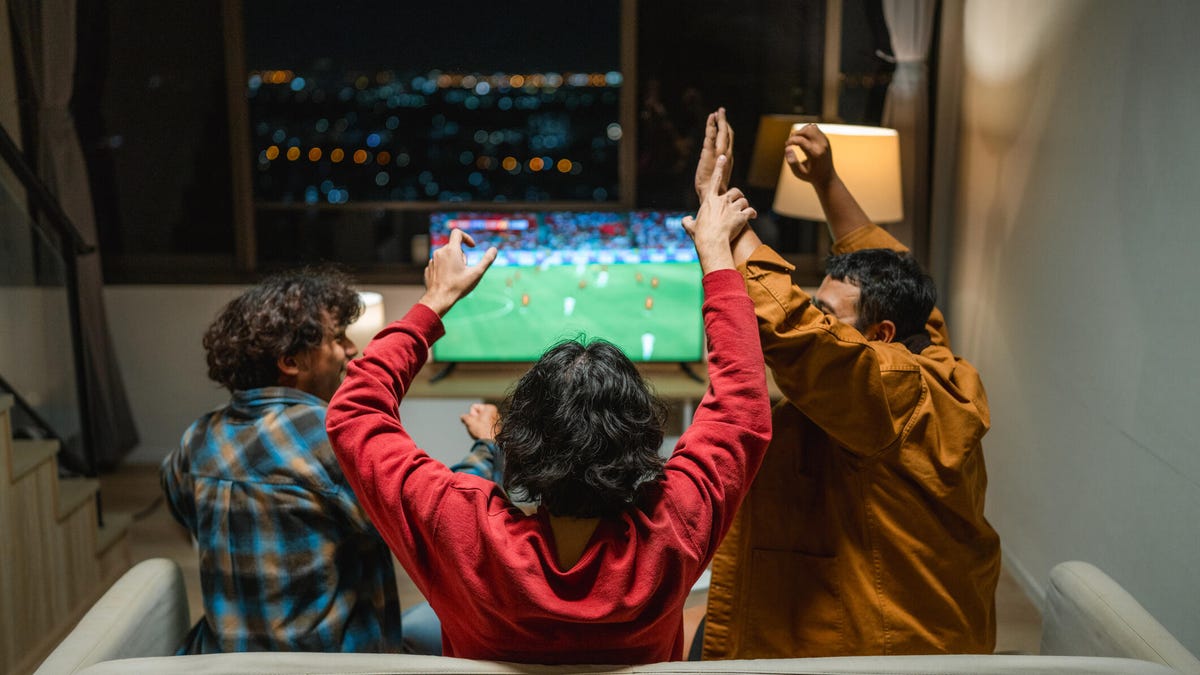
Two of the best-paired teammates in your home are smart devices and sports parties. Whether you’re rooting for the Pats or ‘Hawks at the Super Bowl this weekend, or cheering on your favorite snowboarder at the Winter Olympics, a few changes to your home tech settings can make a world of difference.
Since I’m always testing the latest smart home devices, I regularly recruit them to save time when I’m planning get-togethers. Below, I’ve outlined my favorite techniques to prep my home for sports mode, make visitors feel welcome and keep my security devices in line so everyone has a good time. See what you can use in your home on game day.
Read more: 2026 Super Bowl Performances: How to Watch the Halftime Show and Preshow
Set smart lights to team colors
Modern LED smart lighting often includes color options and even smart color matching to shift indoor bulbs to specific hues. For brands like Govee or Philips Hue, setting game day colors can be as easy as bringing up a team flag or logo on your TV screen and pointing your phone app at it. Or you can set background lights to sync with whatever is happening on your main displays for a more dynamic look. Setting lights to your team colors manually is also an option and will take only a couple of minutes for a fan-forward party look.
Read more: We Asked the Experts Why Our LED Bulbs Fail Early
Connect your kitchen smart speaker to the big game
With conversations and cooking noises, it can be difficult to hear every play happening over on the TV. But if you have a smart speaker nearby, you can usually fix this problem while staying in sync with everyone else. Amazon Echos, for example, can connect to any TV with Bluetooth capabilities and relay the sound no matter where they are in the house.
We have a guide on how to set up Echo speakers like this in only a couple of minutes. Similar steps should work with other speakers like Nest Minis, too.
Set an extended auto-lock on your smart lock
A reliable smart lock keeps your door safe and even lets you set temporary access keys for guests. One of our favorite features is auto-locking, which automatically locks a front door after it’s been closed for a while, useful when there are a lot of things happening at once.
However, since guests often like to come and go, bring in supplies or take a “quick walk,” it’s a good idea to head into your lock app and bump up the relocking time window to 10 minutes or so. That way no one will find themselves unexpectedly locked out of the house.
Mute your voice assistant
Between announcers and game chatter, speakers and voice assistant apps may start hearing their wake words like “Alexa” or “Hey Siri” by accident. It rarely happens to me but when it does, it’s usually because a lot of people are talking loudly over the TV, so parties like this can be a literal trigger. And don’t forget, some companies may have Big Game ads that include voice assistant examples that may accidentally trigger your own devices (Alexa Plus is planning a big spot this year, for example). Consider muting your voice assistant mics until game day is over.
Disarm home security systems if necessary
If you have a home security system, check its arm/disarm settings for the big game day. Make sure all your sensors are disarmed for your party, both inside and outside the house. You don’t want anyone accidentally triggering a sensor and setting off an alarm or giving you a cascade of annoying alerts. If friends are bringing a dog over, keep in mind that motion sensors that can ignore small animals like cats will often be triggered by larger animals like dogs.
You can also shut down smart alerts to your motion-sensing home cameras for the same reason. Or, if you think your guests may be nervous about privacy, consider putting on filters or unplugging your indoor cameras so they aren’t working at all. That way, you don’t have to worry about constant person detection notifications and guests don’t have to worry about being recording.
Turn your thermostat down a little
Today’s smart thermostats make it easy to adjust remotely on your phone and can even react to the presence of people in specific rooms. For the big game, I suggest turning your thermostat a few degrees lower than usual until the party is over. A group of people getting excited and moving around can quickly heat up a room (as can a lot of cooking), and you don’t want people to start overheating. Plus, it will save money on electricity.
Set out wireless charging pads for the group
These days, many viewers are interacting with the game on their phones as much as on the TV. You can make this easier for everyone by placing your available wireless chargers on the game room table and snack counter. That creates space for people to set their phones down while also making sure they stay charged up for key moments — all without people asking for chargers or a free outlet you may not have. Just check that people aren’t using them as coffee coasters.
To complete your game day plans, check out our delicious buffalo wing cooking hack, the latest TV deals and how AI is starting to predict NFL winners.
Read the full article here