
Close Menu
Modern Life Today
  • Home
  • Tech
  • Smart Home
  • Energy
  • Home Security
  • Kitchen & Household
  • Outdoor
  • Home Internet
Trending Now

Apple’s New Smart Home Display Delayed Until Fall Over Siri Issues

March 10, 2026

Which iPhone Should You Buy (or Avoid) Right Now?

March 10, 2026

You Can Still Get Windows 10 Security Updates for Free—Here’s the Trick

March 10, 2026
Facebook X (Twitter) Instagram
Modern Life Today
  • Home
  • Tech
  • Smart Home
  • Energy
  • Home Security
  • Kitchen & Household
  • Outdoor
  • Home Internet
Subscribe
Modern Life Today
Home»Tech»I Used Google’s New Gemini-Powered ‘Help Me Create’ Tool in Docs. It’s Great at Corporate-Speak
Tech

I Used Google’s New Gemini-Powered ‘Help Me Create’ Tool in Docs. It’s Great at Corporate-Speak

Press RoomBy Press RoomMarch 10, 2026No Comments3 Mins Read
Share Facebook Twitter Pinterest Copy Link LinkedIn Tumblr Email

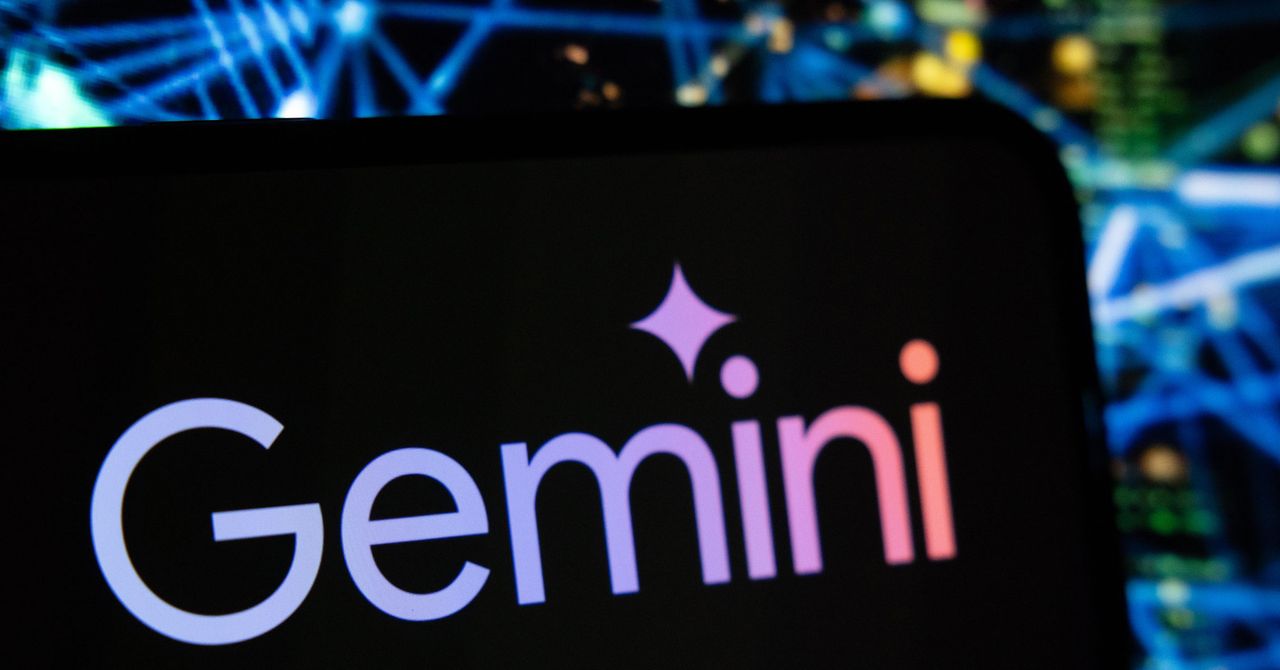
Google rolled out multiple new AI features today for its core Workspace products: Google Docs, Sheets, Slides, and Drive. These apps now include additional tools powered by Gemini, Google’s AI assistant. The features range from generating entire rough drafts in your Docs to finding information tucked away in the recesses of your Drive.

This Google launch is part of a larger trend in 2026, in which major software developers are continuing to bake generative-AI-based features into core user experiences—despite the lingering distaste many in the US have for tools like these. The features are coming first to English-speaking subscribers of Google’s AI Pro and Ultra plans.

For Docs, Google added “Help me create,” which attempts to generate full first drafts of your document, from a prompt, by looking at your emails and files, and searching the internet for context. This feature takes the existing “Help me write” feature in the Chrome browser even further and points to a future where humans rely on AI to craft their thoughts and share ideas with others.

Sheets and Slides both can now create similar full first drafts by pulling from information on the web and your past data. Another new, notable feature in Docs enables users to mimic the structure of past files when starting a new project. Also, Drive now includes AI Overviews of your files and more natural language searching abilities.

My tests primarily focused on the new tools in Google Docs, where I have the most familiarity. To start, I asked Gemini to draft an itinerary for some St. Patrick’s Day shenanigans. In just a few seconds, Gemini combed through my Gmail and the web to put together a short plan. I was a little creeped out when the bot correctly looked up my flight reservations to see what city I’d be located in on March 17. It also tacked on a few well-known Irish pubs where I could grab a pint of Guinness. Overall, the results of this test were quick and solid.

Now let’s raise the stakes. How convincing a first draft could Gemini generate for my job as a software reporter? WIRED’s editorial standards block the use of generative AI, rightly so, except in situations where it’s disclosed and used as an example. Rest assured, everything you’re reading here was scribbled into my notebook before being typed up.

Other digital media outlets may not have rigorous standards around AI use, and tools like “Help me create” could be forced onto early-career journalists expected to pump out numerous stories each day. I attached the press materials Google provided about today’s launch and requested a 600-word hands-on story from Gemini, with first-person insights that could help readers better understand the launch.

Read the full article here

Share. Facebook Twitter Pinterest LinkedIn Tumblr Email

Related Articles

Which iPhone Should You Buy (or Avoid) Right Now?

March 10, 2026

You Can Still Get Windows 10 Security Updates for Free—Here’s the Trick

March 10, 2026

Review: Apple MacBook Neo

March 10, 2026
Add A Comment
Leave A Reply Cancel Reply

Demo
Top Articles

Best Mobile VPN of 2026: Enjoy Privacy Protection on the Go

February 6, 2026

Apple’s Next M5 MacBook Pros Could Drop With MacOS 26.3

February 3, 2026

Why Our LED Bulbs Burn Out So Fast at Home and How You Can Stop It

January 20, 2026

Best Samsung Phone of 2026

January 16, 2026
Don't Miss

Review: Apple MacBook Neo

By Press RoomMarch 10, 20260

I did spin up Oceanhorn 3, a new, graphically-intense game in Apple Arcade that Apple…

Photoshop’s AI Assistant Can Edit Photos for You, if You Want That

March 10, 2026

11 Things Your Dishwasher Will Quietly Destroy

March 10, 2026

Force Your MacBook to Only Charge up to 80 Percent (and Why You Should)

March 10, 2026
About Us
About Us

Modern Life Today is your one-stop website for the latest gadget and technology news and updates, follow us now for the news that matters to you.

Facebook X (Twitter) Pinterest YouTube
Featured News

Silence Your Stress: How to Enable Your iPhone’s Distraction-Free Travel Setting

January 10, 2026

9 Ways You’re Using Your Space Heater Wrong, and Why It Causes Fires

January 11, 2026

Don’t Love Your iPhone’s Liquid Glass? This Setting Can Change It

January 11, 2026
Trending Now

Best Deals for New Year’s Resolutions: Sleep, Fitness, and More (2026)

January 13, 2026

TurboTax Discount Codes | January 2026

January 13, 2026

Best Baby Gear (2026): Baby Monitors, Strollers, Crib Mattresses

January 13, 2026
  • Home
  • Privacy Policy
  • Terms of use
  • For Advertisers
  • Contact
2026 © Prices.com LLC. All Rights Reserved.

Type above and press Enter to search. Press Esc to cancel.