

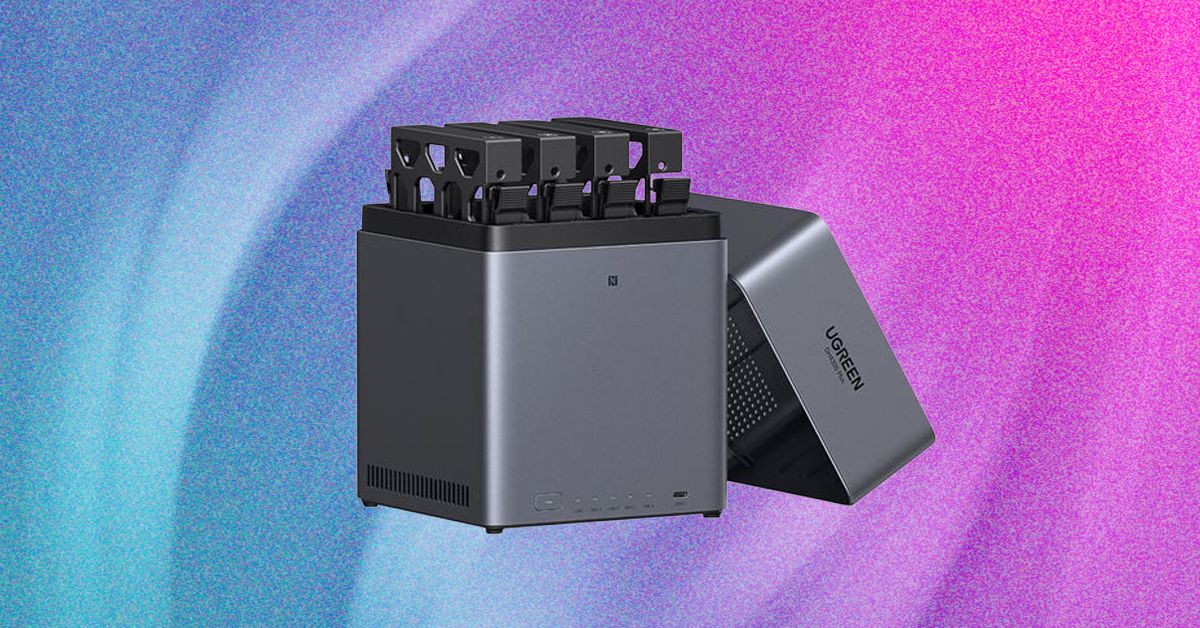
I’ve been toying with the idea of setting up my own network-attached storage (NAS) server for a long while, but I figured it would be a hassle. Lured by the idea of automatic backups and centralized content sharing that are detached from big tech’s increasingly untrustworthy servers, and further motivated by the creep of ads and ever-rising prices for streaming services, I finally did it. It turned out to be easy. As you get your digital life in order, you should do it, too.
Power up with unlimited access to WIRED. Get best-in-class reporting and exclusive subscriber content that’s too important to ignore. Subscribe Today.
Why Would I Want a NAS Server?
While it’s not for everyone, there are a few good reasons you might consider setting up your own server for personal file storage, even in an era where cloud backup services are convenient and inexpensive.
A NAS server is like your own private cloud, enabling you to store files and backups at home instead of on a third-party cloud server that could be located halfway around the world. If you don’t expose your NAS to the internet, you can keep everything completely private. If you do want to share with other folks, you can configure user accounts with different levels of access. I also discuss how to keep your NAS secure at the end of this guide.
UGreen NAS App via Simon Hill
As a writer, I’ve got a ton of files on my computer that need to be backed up. I have product photography, interview transcripts, half-finished drafts, and many other files that it would be a serious pain to lose. Naturally, I have the usual array of house and work documents, family photos and videos, and all that other stuff, too. Until now, I’ve been manually saving files on USB flash drives and backing up with a cloud service.
With a NAS server, I can ditch the flash drives and have an automated local backup running in various locations. It’s not a good idea to only have one backup or only have backups in a single location, so I’ll continue to double up with a cloud storage service. But this is still a big improvement over my previous routine.
To Share Content
As a family of four with a mix of different devices, it’s really handy to have a central repository for sharing photos, videos, vacation plans, creative projects, and important documents. Since this stuff is usually spread across a variety of cloud services and personal devices, a NAS server with an organized file structure is a major leap for us and one that genuinely makes life a bit easier.
I was an early adopter of streaming services like Netflix and Spotify, but as the content streaming scene has grown increasingly fractured, ad-polluted, and ridiculously expensive, it has steadily lost its appeal. I’m old enough to have a pretty large physical media collection, and I’ve been meaning to digitize it forever. Setting up my NAS server was the push I needed, and we now have a central repository of some of my favorite TV shows, movies, and albums.
It’s not a massively fun process, but if you’re planning to do the same, it’s pretty easy to rip Blu-rays with MakeMKV and compress with HandBrake. Set up Jellyfin as your streaming app, and it automatically pulls in art and information to give you a Netflix-style interface. I’ve installed Jellyfin on all our TVs, phones, and tablets, so we can stream stuff locally with ease, and I’m really happy with how well it works. Many people prefer Plex.

UGreen NAS App via Simon Hill
There are several other potential uses for a NAS server. Here are a few things on my list:
- Home assistant for local smart home control and automations
- Security camera local recording and monitoring
- Minecraft server for the kids
Most of the ways I’m using my NAS server allow me to cut back on subscriptions, which helps to offset the cost. In the long-term, running a lot of this stuff locally will be a money-saver, but it can also help you maintain control and privacy.
Read the full article here