

This is why it’s able to achieve what is sometimes called “infinite” contrast. If you can get to complete black, the only thing holding back your dynamic range is brightness. The crop of OLED panels, whether manufactured by LG (known as W-OLED) or Samsung (known as QD-OLED), typically range up to a claimed 1,000 nits of peak HDR (high dynamic range) brightness. That means in HDR content, some portion of the screen hits 1,000 nits, giving the image brighter highlights. Some OLED monitors don’t get very bright in SDR (standard dynamic range), which is important to consider, as that’s how you will use the screen most of the time.
Contrast and brightness aren’t the only benefits. Viewing angles are significantly better, there’s a shorter response time (more on that later), and you don’t have light bleed to deal with along the edges of the screen. Most OLED monitors also have great color performance as well, though it differs panel-to-panel. The only thing holding back adoption was price, and that has come down drastically in just the past year or so. When OLED gaming monitors first launched in 2022, there was nothing under $1,000. These days, you can get one for as low as $500. We’ve also seen OLED now supported at different screen sizes, resolutions, and refresh rates. A few nongaming OLED monitors for creators even launched this year, including the Dell 32 Plus QD-OLED and Samsung Smart Monitor M90SF.
Other than price, the risk of burn-in has been the other hurdle to overcome in the wide adoption of OLED in monitors—that’s when you’ll see the afterimage of static elements of the screen. With so many static elements on a computer monitor, such as the menus and taskbars, you might think the risk of burn-in isn’t worth it. These days, manufacturers use various techniques to prevent burn-in, such as automated pixel refreshes and pixel shifting. Most manufacturers also offer longer warranties, sometimes up to three years. Long-term testing in the industry has shown that while burn-in is possible, it’s not something most people have to worry about anymore.
Mini-LED
This third option is a bit more uncommon, but it still pops up from time to time. Like OLED, mini-LED refers to a form of monitor backlighting that is somewhere between traditional LED and OLED. Mini-LED displays use various zones of lighting to improve contrast and brightness. These are known as dimming zones, and the more a screen has, the better.
On current monitors, mini-LED displays can get brighter than OLED, both in SDR and HDR. But again, it’s all about the ratio of dimming zones to the screen size. You do not want to buy a cheap mini-LED gaming monitor like this one with only 337 dimming zones across its 27-inch screen, while a monitor like the KTC M27T6 has 1,152 zones for only $30 more. The difference in contrast between these two screens is massive.
The number of dimming zones isn’t the only important spec in a mini-LED display, as Apple’s 32-inch Pro Display XDR has just 576 dimming zones, yet has exceptional contrast and brightness. The fine-tuning of the dimming zone algorithm matters here too, which is why quality varies in mini-LED panels. That said, mini-LED hasn’t enjoyed the adoption that OLED has, and outside of Apple, there aren’t many nongaming options out there. As outlined in a white paper on the matter, Apple chose it for very specific reasons, including for its “better uniformity, sustained thermal and brightness performance, off-axis viewing characteristics, and resistance to permanent burn-in.” While OLED might be the future of monitors, mini-LED is going to continue to play a role in the near future as the brighter and more efficient option.
Aspect Ratio and Shape
Monitors have seen an explosion of experimental new shapes and sizes over the past few years. Overall, they’ve gotten bigger, but we’ve also seen different trends, such as curves or wider aspect ratios. The standard aspect ratio is still 16:9, with sizes ranging from 25 inches up to 43 inches. Just remember that if you’re getting into television sizes, you’ll need a desk big enough to handle it.
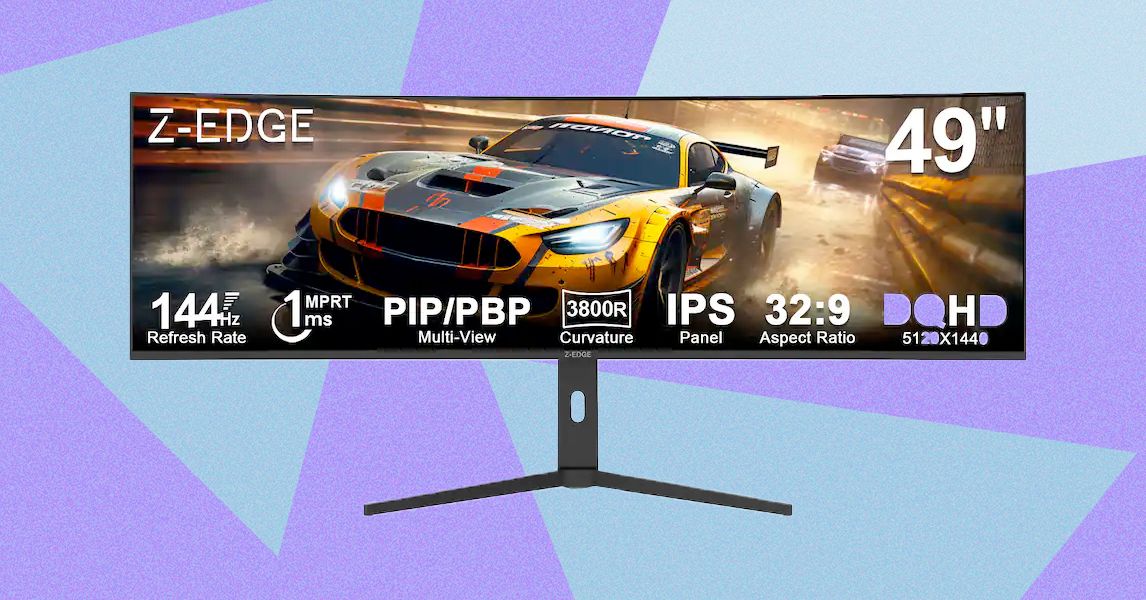
But 16:9 is hardly the only option these days. Ultrawide monitors, with their 21:9 aspect ratio, have become a popular shape, especially for PC gamers. This gives you a wider view in games, but it’s also a solid alternative to using dual screens for multitasking. The 34-inch size has become the go-to form factor, but there are also larger versions of 21:9 that measure 38 or 40 inches across.
Read the full article here