

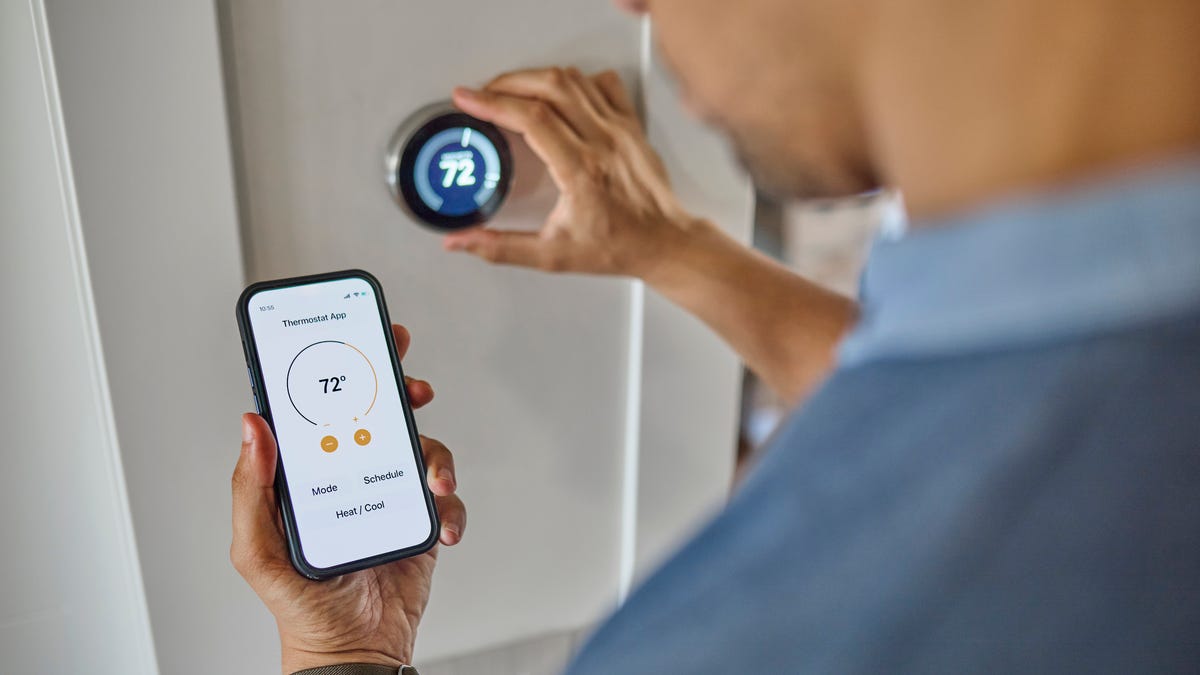
When you’re shopping for a traditional standard thermostat, there isn’t much to consider. What does it look like? Can you program it? Does it have that cool old-fashioned dial?
When shopping for a smart thermostat, there are a lot more options and some things one person may love while the next person may hate. Here’s what we think is important to consider.
Smart home integration
Smart thermostats all come with some kind of app or option to control the device from your phone. If you have a particular affinity for one smart home family or another, you’ll want to make sure you’re getting a thermostat that will work in conjunction with your other devices. Most smart thermostats will take voice commands from Amazon’s Alexa, but if the rest of your home is running on, say, Apple’s HomeKit, not every device will provide support.
Make sure you’re getting something that will play nice with the rest of your smart home.
Geofencing
For the most part, your thermostat’s job is to keep your home comfortable. That means you don’t necessarily need it to be the perfect temperature when you aren’t home. Many smart thermostats feature geofencing, meaning they can track whether you’re home and set their expectations accordingly.
Some devices track occupancy based on the phones of those in the household, while others combine that feature with other occupancy sensors. The good thing is that you can set limits around this feature: Do you want it to change the temperature when you’re away? How far away do you have to be for it to kick in? What temperature limits should there be if you aren’t home? The latter is important if you have pets. You don’t want the cats sweltering or freezing while you’re at work.
How smart do you want your thermostat to be?
Everyone wants a different level of control over their thermostat. Some people want to decide at every moment what the temperature should be. (In that case, you can also consider a basic Wi-Fi-enabled programmable thermostat like the Honeywell Home RTH6580WF, which doesn’t have as many smart features as its more expensive peers but can be adjusted from your phone.)
Some smart thermostats can be too smart for their own good. One of the most common complaints I’ve heard is that some products will hold the temperature you set them to only for a little bit, and then they’ll revert to what the thermostat believes the temperature should be. If that would annoy you, focus on the ones that offer you the most control.
Installation and HVAC compatibility
Read my full guide on smart thermostat installation guide here.
Not all thermostats are installed exactly the same way, but they’re all pretty similar. Expect to need a screwdriver, a pair of pliers capable of moving wires around and potentially a drill and a level. Installation is pretty simple once you’ve done it once or twice: Turn off the power, mark the wires, take off the old one, wire the new one and put the thermostat up.
You’ll want to watch out for two potential complications: First, does your system have a C-wire? There are usually five or so wires that come out of your wall to connect a thermostat. The older wires tend to carry just enough electricity to power an old-school thermostat. Smarter devices, which can tell you the weather or maybe play your playlist and need an internet connection, need more power than that. This is achieved through a C-wire, designed to carry more electricity to the thermostat. Not every home is wired with one, but if you don’t have one, you have a couple of choices.
The first is to get a thermostat that doesn’t require a C-wire. This is where the Nest thermostats are set apart because they’re capable of charging their batteries off the other wires. The second option is to install an adapter kit. This involves adding a device to your HVAC system that converts one of the existing wires into a C-wire. Fortunately, most smart thermostats we’ve looked at that require a C-wire come with these kits. If not, you can pick one up for under $25.
The second installation complication is seeing if your thermostat requires any high-voltage wires. This is most common for thermostats that power older electric furnaces or electric baseboard heaters. Today’s smart thermostats can support high voltage wiring or those heating devices until you upgrade your system. High-voltage wires are usually labeled and support current at 120 volts or more.
External sensors
Your thermostat knows what the temperature is because it has a thermometer inside of it. The device’s understanding of the temperature inside is usually limited to the temperature exactly where you mounted it to the wall. What about that stuffy bedroom?
Many smart thermostats come with or are at least able to connect to separate room sensors. These room sensors allow you to train the thermostat to keep your house as comfortable as possible throughout the home. With external sensors, thermostats can target an individual room and get it to a comfortable temperature at a certain time (the bedroom at night, the home office during the day, etc.) or find a setting that makes everywhere as comfortable as possible, not just the room with the thermostat in it. Some even have proximity sensors in their room sensors, meaning they can tell when a room is occupied or not.
Read the full article here