

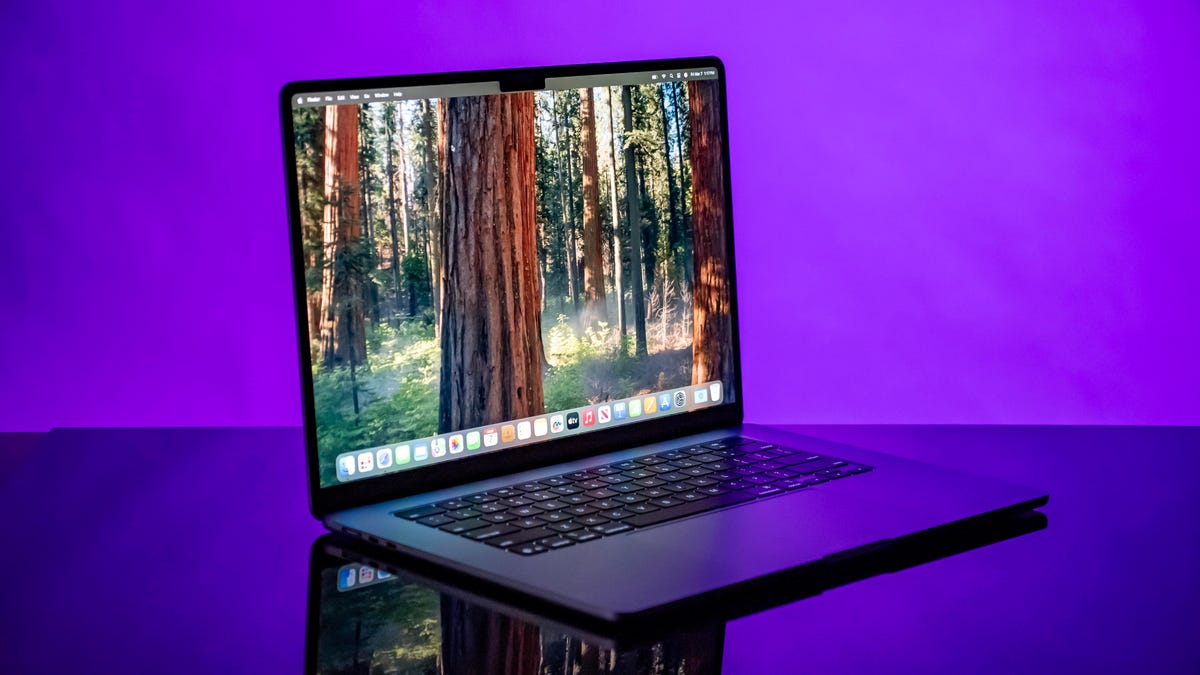
The first fork in the road you’ll come to when shopping for a MacBook is whether to follow the Air path or head down the Pro road. For people who are looking for an everyday home laptop or a work laptop for running basic office apps, a MacBook Air will suffice. An Air is also a better pick for students and people on tight budgets. For creative types who need the added processing and graphics muscle of Apple’s new M4 Pro and Max chips, a MacBook Pro is worth the added cost. To help you find the right MacBook for your needs and budget, here are the main considerations to keep in mind.
Price
The entry price for a MacBook is $649. That gets you the M1 MacBook Air that was released in 2020, but that offer is exclusive to Walmart. If you are shopping at Apple, pricing starts at $999 for the 13-inch MacBook Air M4 and $1,199 for the 15-inch MacBook Air M4. Stepping up to a MacBook Pro model starts at $1,599. Here are the starting prices of Apple’s current MacBook lineup:
- 13-inch M4 MacBook Air: $999
- 15-inch M4 MacBook Air: $1,199
- 14-inch M5 MacBook Pro: $1,599
- 16-inch M4 Pro MacBook Pro: $2,499
Size and display
If you’ll be taking your MacBook with you to class, work or even down to your local coffee shop most mornings, an Air is the better choice. The 13-inch MacBook Air models weigh less than 3 pounds, and the roomier 15-inch Air weighs only 3.3 pounds, which is still lighter than the 14-inch MacBook Pro.
The flip side to portability is screen size. The 16-inch MacBook Pro gives you ample room to work and multitask, while the 14-inch MacBook Pro tries to hit the sweet spot between roomy display and travel ease. Unless you need Pro-level performance, we feel the 15-inch Air does a better job of hitting that target.
- 13.3-inch M1 MacBook Air: 13.3-inch display (2,560×1,600 pixels), 2.8 pounds
- 13.6-inch M4 MacBook Air: 13.6-inch display (2,560×1,664 pixels), 2.7 pounds
- 15.3-inch M4 MacBook Air: 15.3-inch display (2,880×1,864 pixels), 3.3 pounds
- 14.2-inch M5 MacBook Pro: 14.2-inch display (3,024×1,964 pixels), 3.4 pounds
- 16.2-inch M4 Pro MacBook Pro: 16.2-inch display (3,456×2,234 pixels), 4.7 pounds
Processor
The processor, aka the CPU, is the brains of a laptop. MacBooks have used Apple’s own processors since the introduction of the M1 processor in 2020. The M1-based MacBooks were clear improvements over Apple’s earlier Intel-based machines in terms of overall performance, efficiency and battery life. The M1 MacBooks were more powerful, boasted longer runtimes and operated more coolly and quietly.
The latest lineup of MacBook Airs feature Apple’s M4 chip, and the MacBook Pro line offers a choice of M5, M4 Pro and M4 Max processors. The M4 MacBook Air models offer slightly better performance than the M3-based versions, but the jump in performance is not nearly the same as going from Intel CPUs to the M1.
Graphics
The graphics processor handles all the work of driving the screen and generating what gets displayed, as well as speeding up a lot of graphics-related (and increasingly, AI-related) operations. Apple’s M-series CPUs integrate the GPU. The more processing cores the GPU has, the better the graphics performance. Here’s the breakdown:
- M1: 7-core or 8-core GPU
- M2: 8-core or 10-core GPU
- M3: 8-core or 10-core GPU
- M4: 8-core or 10-core GPU
- M5: 10-core GPU
- M4 Pro: 20-core or 32-core GPU
- M4 Max: 32-core or 40-core GPU
Memory
Memory (or RAM) is where the operating system stores all the data for currently running applications, and it can fill up fast. After that, it starts swapping between RAM and SSD, which is slower. With the exception of the older M1 Air sold at Walmart, MacBook Air models now start at 16GB of RAM along with the 14-inch M4 MacBook Pro. The minimum on the M4 Pro MacBook Pro models is 24GB, and the M4 Max MacBook Pros serve up 36GB or more.
You can’t upgrade the memory on recent MacBooks post purchase, so you’ll need to get all of the RAM you’ll need up front. MacBooks are able to smoothly run MacOS and the preinstalled apps with the minimum RAM offered, but doubling the RAM will make your MacBook feel faster and likely lead to a longer life of the laptop.
Storage
MacBooks feature solid-state drives, or SSDs. MacBook Air models start with a 256GB SSD, and MacBook Pros offer a 512GB SSD at minimum. If you use cloud storage for your files, music collection and photo library, then you might be able to get away with a 256GB SSD without filling it up before too long. We were happy to see the 13-inch MacBook Pro with its paltry 256GB SSD go away — Pro users need 512GB at the very least.
Read the full article here