

Your home security systems and smart devices hide a secret in their settings, unnoticed by many users. It’s a feature known as geofencing, and it can revolutionize how you use dozens of smart products, depending on what’s connected around your home.
Geofencing is usually associated with tracking locations, but that’s only part of the story. When connected to smart home devices like those I’ve tested, geofencing can automate everyday tasks depending on whether you or others in your family are home. That’s a huge time-saver, and you’ll be amazed what it can work with. Here’s what to know.
Read more: What is a Smart Home, Anyway?
Geofencing: Mapping your location
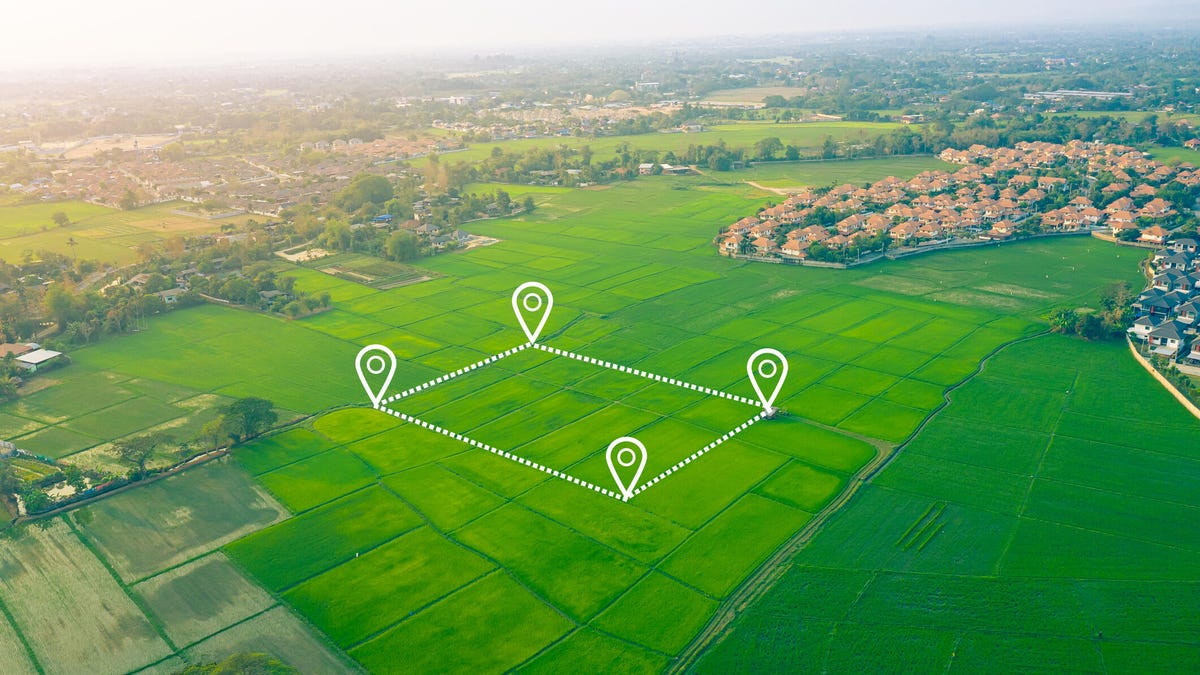
Geofencing is a mobile technology that taps into location-based data (usually via GPS and other map app tricks). It allows users to fence in a specific spot and create rules about what happens when they leave that spot, as tracked by their phone’s location. Different companies have different types of geofencing methods, but the end result is the same.
In smart homes, the geofenced area is typically a home. When a user moves away from their home with their phone or other device that’s tracking their location, it dings when it reaches a certain distance away, which causes connected devices to do things.
More complex geofencing allows users to draw on a digital map to set its boundaries, but in most cases, you just give the app your address, and it does the rest for you.
An important note: Consumer-focused geofencing should not be confused with marketing or law enforcement geofencing, which shares the same name but is a completely different practice. In law enforcement, for example, geofencing refers to requesting user data from all mobile devices in a specific area. Courts are currently in disagreement on whether this growing practice is legal.
How smart homes use geofencing
So, what does geofencing actually do? It can change how home devices act when someone is away from home vs. when they are at home or arriving home. This has several practical, time-saving capabilities.
For example, users may be able to set routines that turn off the lights, lock the door and close the garage when they start driving away from home. Or, if they regularly get home in the dark, they may be able to link up smart lights to turn on as they’re approaching the house.
That’s just the start of what you can do with geofencing and a smart home. Other people may prefer to focus on their smart thermostat, letting it automatically ease off heating and cooling when they leave their home, then make things more comfortable when they get back.
Getting started with geofencing capabilities
You don’t have to arrange complex smart home routines or draw lines around a map to take advantage of geofencing. In fact, it’s best to start small when first using this feature and see how it works in your own home.
One of the easiest ways to begin using geofencing is to get a smart plug that supports home/away modes. The plug will simply turn off a connected device when you’re gone, which can help save electricity. You could connect it to a light, a fountain, fan or air purifier and see if it turns off as you leave and starts working again when you arrive home. That may give you other ideas about what technology you’d like to control based on leaving or arriving home.
Or, if you have an existing security system, you can check to see if it supports home/away modes that use geofencing. It can be very handy to set your security system up to automatically arm and disarm based on whether you are out of the house. Plus, you may not even need to purchase any new devices, just change some settings in your app. I recently tested these sorts of services with ADT and the ADT+ platform, which also allows you to integrate smart lock behaviors and more.
If you’re looking for new tech that includes geofencing, look for devices that support Matter or that work with major platforms like Alexa, Apple Home and Google Home. Geofencing isn’t guaranteed, but this makes it more likely.
Is geofencing safe and private?
Geofencing is generally considered safe. In my years of smart home testing, I’ve never heard of consumer geofencing being misused or landing anyone in danger.
The worst that can happen is that geofencing stops working because of bugs or app problems, which could leave a security system disarmed or require reboots and patches (as people have reported on Reddit). Well, that’s the worst for individual consumers, anyway: If you’re a government, geofencing apps may accidentally show secret military bases.
On the privacy front, things are more complicated. Geofencing does require enabling various location-based tracking data. That gives apps — and the companies that own them — access to info about where you live, when you leave or arrive at a location and possibly other data. They may use that data for internal analysis and marketing purposes, or even sell it to third parties (although that usually requires some kind of warning or consent).
Apps generally need to enable location-based data on demand to use geofencing correctly, so you can’t usually set it to only activate once, like you can with other apps. That’s a privacy concession not everyone is willing to make.
To learn more, visit our pages on the best smart home devices, security practices to keep your home safe and the cheap smart devices CNET editors are still using.
Don’t miss any of CNET’s unbiased tech content and lab-based reviews. Add us as a preferred Google source on Chrome.
Read the full article here